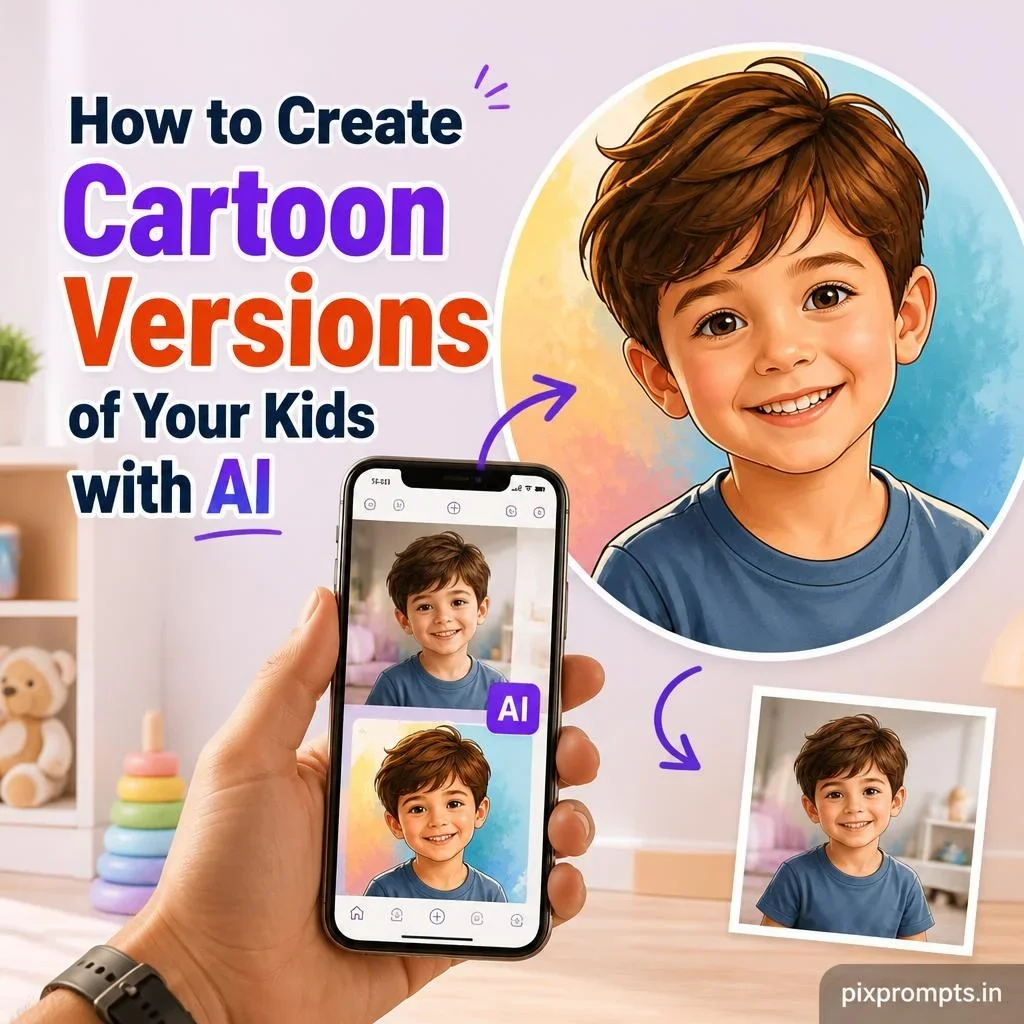
Turning your child’s photo into a cartoon character is one of the most delightful uses of AI. Kids love seeing themselves as heroes in a 3D animated movie, characters in a storybook or adventurers in a jungle. These images make lovely birthday invitations, room posters, story covers and family keepsakes.
Because these images involve children, it is important to keep them fun, wholesome and private. This guide gives you creative cartoon prompts in different styles, step-by-step instructions and simple privacy practices every parent should follow.
Popular Cartoon Styles for Kids
The 3D animated movie style, with big expressive eyes, smooth shapes and bright colours, is the most popular choice. Storybook illustration style uses soft watercolour textures and feels gentle and timeless. Comic book style brings bold outlines and action. Claymation style looks like a handmade clay figure and is charming for younger kids.
Choosing a style based on your child’s interests makes the result more exciting for them. A child who loves dinosaurs will enjoy a jungle explorer scene far more than a generic portrait.
Privacy Comes First
Before uploading, check the privacy settings of the tool you are using. Avoid photos that show school names, uniforms with logos, home addresses or other identifying details. When sharing the final cartoon online, consider limiting the audience to close friends and family.
Turning Cartoons Into Keepsakes
Once you have a few favourite cartoons, think beyond the phone gallery. A printed cartoon can become a bedroom door sign, a cover for a homemade storybook, a return gift sticker for a birthday party or a calendar page for each month. Children often treasure these physical items far more than a digital file.
Cartoon Prompts for Kids’ Photos
Each prompt below is ready to copy. Replace the words in square brackets with your own details before you hit generate.
1. 3D animated movie hero
Turn this photo of my child into a cute 3D animated movie character. Keep the face recognisable with big expressive eyes, same hairstyle, wearing a red cape, standing on a hill under a bright sunny sky, joyful pose, bright cheerful colours.
2. Storybook illustration
Convert this photo into a soft watercolour storybook illustration. The child is reading a giant book under a big tree with friendly animals around, gentle pastel colours, warm and dreamy mood, face recognisable.
3. Space explorer
Turn my child into a 3D cartoon astronaut floating in colourful space with planets and stars, holding a small flag, big happy smile, face recognisable, playful and adventurous mood.
4. Jungle adventure
Create a cartoon scene of my child as a young explorer in a jungle wearing a safari hat and binoculars, a friendly baby elephant and parrot beside them, bright 3D animation style.
5. Claymation style
Turn this photo into a cute claymation character with a handmade clay texture, soft rounded shapes, standing in a tiny clay garden with flowers, face recognisable, warm lighting.
6. Birthday character
Create a 3D cartoon version of my child wearing a party hat, holding a big birthday cake with candles, colourful balloons and confetti around, excited expression, space at the top for the birthday message.
7. Underwater friends
Cartoon illustration of my child swimming with smiling fish, turtles and a friendly dolphin in a bright blue ocean, bubbles and coral, cheerful animated style, face recognisable.
How to Create a Cartoon Version of Your Child
- Choose a clear, happy photo: A front-facing photo with a natural smile works best.
- Remove identifying details: Crop out school logos, house numbers and other personal information.
- Pick a theme your child loves: Superheroes, space, animals or fairy tales.
- Generate the cartoon: Use one prompt and keep the face recognisable instruction.
- Show your child: Let them choose their favourite version; it makes the experience more fun.
- Save and share privately: Use the image for invitations, prints or family groups rather than public posts.
Which AI Tool Should You Use for These Prompts?
These prompts are written in plain descriptive English, so they work in most popular image tools, including Gemini, ChatGPT, Midjourney, Leonardo AI and Microsoft Designer. Each tool has its own visual taste, so the same prompt will look a little different in each one. That is normal and can even be useful when you want variety.
If a tool supports extra settings such as aspect ratio, style strength or a negative prompt box, use them alongside the prompt rather than stuffing everything into the main text. Short, clear prompts plus the right settings usually beat very long prompts.
Printing Your AI Images
Some of the best AI edits deserve to leave the phone. For prints, choose your highest-quality version, upscale if needed and ask the print shop which size suits the image’s resolution. Matte paper reduces glare and suits artistic styles, while glossy paper makes bright colours pop.
A framed print of a special edit makes a thoughtful gift for birthdays, anniversaries and festivals, especially for elders who do not use social media.
Pro Tips for Better Results
- Use bright colours and simple backgrounds for a playful, kid-friendly look.
- Include your child’s favourite toy or pet for a personal touch.
- Create a series of cartoons for a mini storybook about your child’s adventures.
- Print the image as a poster or framed picture for their room.
- Involve older kids in writing the prompt; it is a fun creative activity.
Common Mistakes to Avoid
Using photos with personal details
School names and logos can reveal private information. Crop or avoid them.
Frightening themes
Dark or scary scenes may upset young children. Keep themes bright and friendly.
Unrecognisable results
Add “keep the face recognisable” so your child can see themselves in the cartoon.
Sharing publicly without thought
Consider who can see children’s images online before posting.
Frequently Asked Questions
Is it safe to upload my child’s photo to AI tools?
Review the tool’s privacy settings and data policy, and avoid photos with identifying details.
Which style looks most like my child?
Semi-realistic 3D styles usually keep likeness better than very simplified cartoons.
Can I make a whole storybook?
Yes. Generate several scenes with the same style words and combine them into a printed or digital book.
Can siblings be in the same cartoon?
Yes. Use a photo with both children clearly visible and ask to keep both faces recognisable.
Quick Checklist
Before you finish, run through this short checklist:
- Choose a clear, happy photo
- Remove identifying details
- Pick a theme your child loves
- Generate the cartoon
- Show your child
- Save and share privately
Conclusion
Cartoon versions of your kids can turn ordinary photos into joyful, imaginative keepsakes. Choose a theme your child loves, keep the face recognisable, protect their privacy and share thoughtfully. Most of all, enjoy the process together, because watching your child see themselves as a hero is the best part.
