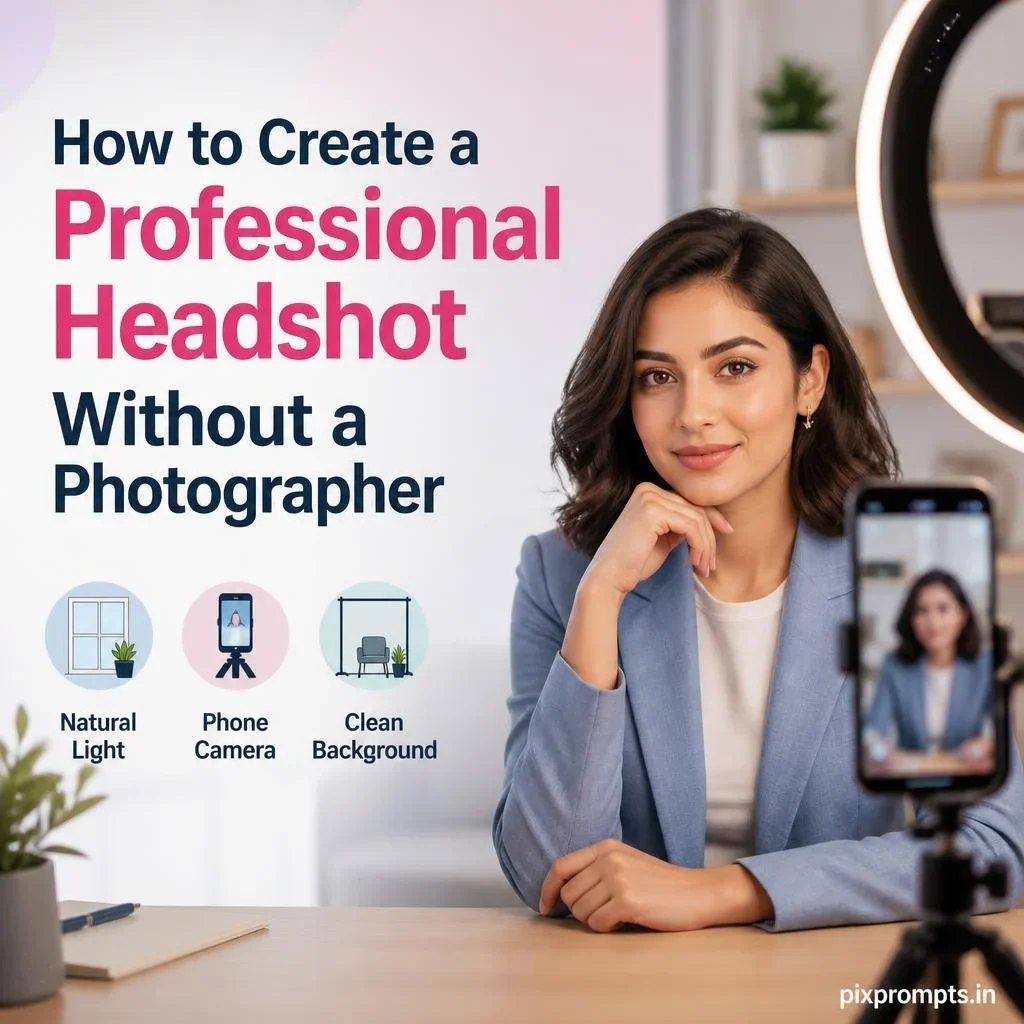
A good professional headshot helps on LinkedIn, resumes, company websites, conference profiles and freelance platforms. Traditionally, that meant booking a photographer, choosing outfits and paying for a studio session. Today, many professionals create a polished headshot using AI and a few good selfies.
The aim is not to look like a different person. A professional headshot should look like you on a good day: well lit, neatly dressed and confident. This guide explains how to take the right source photo, which prompts produce clean professional results and how to keep the image honest and natural.
What Makes a Headshot Professional
A professional headshot is usually framed from the chest up, with the face clearly visible and the eyes sharp. The background is simple, often a neutral grey, white, soft blue or a blurred office. Lighting is soft and even, without harsh shadows. The outfit is neat and appropriate for your industry, and the expression is friendly and confident.
Different industries prefer different looks. Corporate finance and law often use formal suits and plain backgrounds, while creative, startup and education roles may suit smart-casual outfits with a softly blurred workplace background.
Taking the Best Source Selfie
Stand facing a window during the day so soft light falls evenly on your face. Hold the phone at eye level or ask someone to take the photo from a short distance. Keep your shoulders straight, smile naturally and avoid strong filters. Take several shots and choose the sharpest one.
If your company has brand guidelines for profile photos, such as a specific background colour, follow them so your headshot matches your colleagues’ photos on the website.
Professional Headshot Prompts
Copy any prompt below, paste it into your favourite AI tool and change the details in brackets to match your own photo or idea.
1. Corporate grey backdrop
Keep my face exactly the same. Create a professional corporate headshot of me wearing a navy blue suit with a white shirt, plain soft grey studio background, even soft lighting, sharp focus on the eyes, natural skin texture, confident friendly smile, chest-up framing.
2. Smart-casual startup
Keep my face unchanged. Create a modern professional headshot of me in a light blue button-down shirt, softly blurred bright office background with plants, natural daylight, relaxed confident smile, chest-up framing, realistic photo.
3. Women’s formal headshot
Keep my face and hairstyle exactly the same. Professional headshot of me in a tailored black blazer over a cream top, small stud earrings, plain light grey background, soft studio light, warm confident expression, realistic.
4. Traditional formal
Keep my face the same. Professional headshot of me wearing a simple elegant cotton saree in a muted colour with a neat blouse, plain off-white background, soft even lighting, calm confident smile, chest-up framing.
5. Doctor or healthcare
Keep my face unchanged. Professional headshot of me wearing a white doctor's coat over a light shirt, softly blurred clinic background, bright even lighting, warm trustworthy expression.
6. Creative professional
Keep my face exactly as in the photo. Headshot of me in a black crew-neck T-shirt with a soft textured dark background, gentle side lighting, modern creative look, natural confident expression.
How to Create Your AI Headshot
- Take three to five good selfies: Use window light, eye-level camera angle and a neutral expression or soft smile.
- Choose the clearest photo: Pick one with sharp eyes and even lighting.
- Pick a style for your industry: Corporate, smart-casual, traditional or creative.
- Generate with face protection: Use a prompt that clearly says to keep your face the same.
- Check realism and likeness: Make sure skin, eyes and hairline look natural and match your real appearance.
- Crop and upload: Crop to a square for LinkedIn and keep a larger version for websites.
How to Use These Prompts in Gemini or ChatGPT
Open the Gemini app or ChatGPT, start a new chat and attach one clear photo first. Paste the prompt only after the upload finishes, because the tool needs to see the image before it can follow your instructions. If the first result is close but not perfect, do not start over. Reply in the same chat with a short correction such as “keep the face the same, only change the background” and let the tool refine its own output.
Always download the final image in the highest quality the app allows, and keep your original photo safe in a separate folder. That way you can return to it later and try a different style without any loss in quality.
Pro Tips for Better Results
- Ask for “natural skin texture” so the headshot does not look airbrushed.
- Choose outfit colours that contrast with the background, such as navy on grey.
- Keep jewellery and accessories minimal for a clean, professional look.
- Use the same headshot across LinkedIn, email and work profiles for recognition.
- Update your headshot whenever your appearance changes significantly, such as a new hairstyle.
Common Mistakes to Avoid
Looking like someone else
Over-enhanced AI headshots can confuse people when they meet you. Keep it true to your face.
Overly perfect skin
Plastic-looking skin reduces trust. Request natural texture.
Busy backgrounds
Cluttered backgrounds distract from your face. Keep them plain or softly blurred.
Wrong outfit for the industry
A tuxedo for a design role or a T-shirt for a law firm may send the wrong message.
Frequently Asked Questions
Is it okay to use an AI headshot on LinkedIn?
Many people do. The important thing is that it accurately represents what you look like.
Which background colour is best?
Neutral grey, white or soft blue are safe choices for most professions.
Can I get a headshot from a full-body photo?
Yes, but a closer photo with a sharp face gives better detail.
How do I make it look less AI-generated?
Use natural light in the source photo, ask for real skin texture and avoid extreme retouching.
Quick Checklist
Before you finish, run through this short checklist:
- Take three to five good selfies
- Choose the clearest photo
- Pick a style for your industry
- Generate with face protection
- Check realism and likeness
- Crop and upload
Conclusion
An AI headshot can give you a polished professional image without a studio session. Start with a well-lit selfie, choose a style suited to your industry, protect your facial features in the prompt and keep the result natural. A clean, honest headshot builds trust on every professional profile you use.
