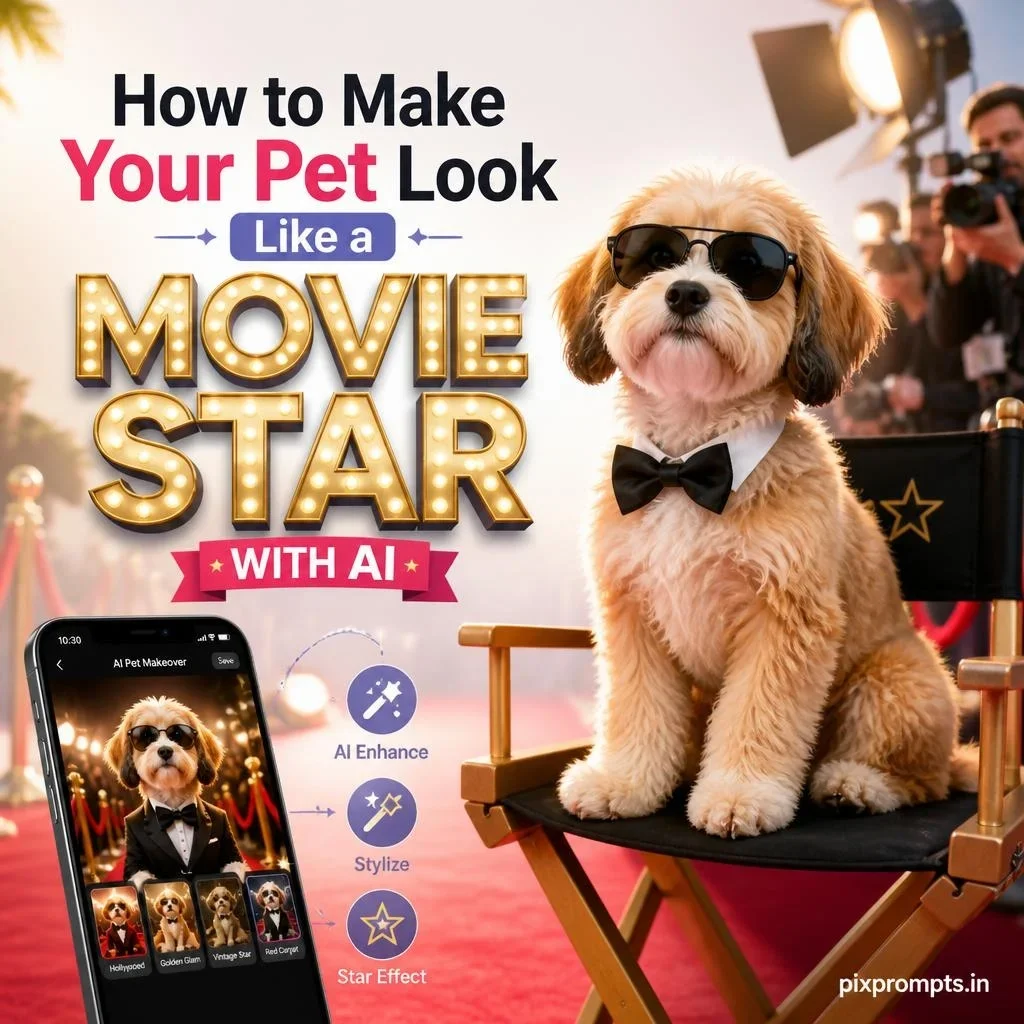
Pets are already the stars of our phones, so why not give them a real movie star moment? With AI, your dog can become a heroic action star, your cat can pose like royalty on a velvet throne and your rabbit can walk a red carpet surrounded by flashing cameras. These images are hilarious, heartwarming and perfect for social media.
The key to great pet edits is keeping your pet recognisable: the same fur colour, markings, ear shape and eye colour. In this guide you will learn how to choose the right pet photo, which prompts work for different movie-star themes and how to fix results when the AI gets the breed or markings wrong.
Getting a Good Pet Photo
Pets rarely sit still, so take several quick shots in good daylight. Get down to their eye level, call their name to get attention and capture a photo where the face, eyes and markings are sharp. A plain background makes it easier for the AI to focus on your pet.
If your pet has distinctive features, such as one white paw, a spotted ear or different coloured eyes, mention them in the prompt. AI often simplifies pets into a generic breed look unless you point out these details.
Fun Movie Themes to Try
Action hero posters, royal oil paintings, red carpet arrivals, detective film scenes, space adventures and romantic film posters with two pets all work beautifully. Pick a theme that matches your pet’s personality: a lazy cat as a royal king, an energetic dog as an action hero.
Gift Ideas With Pet Posters
Pet posters make delightful gifts for fellow pet lovers. Print a royal portrait for a friend’s living room, create a mug with their dog as an action hero or design a calendar with a different movie theme for each month. Pet owners love seeing their companions celebrated.
Movie Star Pet Prompts
Copy any prompt below, paste it into your favourite AI tool and change the details in brackets to match your own photo or idea.
1. Action hero poster
Turn my dog from this photo into an action movie star on a dramatic poster, wearing small aviator sunglasses, explosions softly in the background, city skyline at sunset, heroic pose, cinematic lighting. Keep the fur colour, markings and face accurate.
2. Royal portrait
Create a classical royal oil painting of my cat sitting on a red velvet throne, wearing a small golden crown and royal cape, dark elegant background, rich museum-style painting. Keep the cat's fur pattern and eye colour exactly the same.
3. Red carpet arrival
My dog walks a red carpet at a film premiere, cameras flashing, wearing a tiny bow tie, glamorous lights, confident expression, realistic photo. Keep the breed, fur colour and markings accurate.
4. Detective film
My cat as a classic detective in a black and white film scene, wearing a tiny hat, sitting at a desk with a magnifying glass, moody shadows through window blinds. Keep the face and markings recognisable.
5. Space adventure
My dog as an astronaut in a small space suit floating near the moon, Earth in the background, adventurous expression, cinematic sci-fi lighting, keep the face and fur colour accurate.
6. Romantic film poster
Create a romantic movie poster with my two pets from this photo sitting together under a lamp post on a rainy evening, soft warm light, dreamy colours, keep both pets' features accurate.
7. Bollywood hero entry
My dog making a dramatic hero entry in slow motion, wind blowing its fur, golden dust in the air, colourful lights behind, cinematic Indian film style, keep markings accurate.
How to Create a Star Portrait of Your Pet
- Take several sharp photos: Use daylight and capture your pet at eye level.
- Pick the clearest face: Eyes and markings should be clearly visible.
- Choose a movie theme: Match the theme with your pet’s personality.
- Mention unique features: Add fur colour, markings and eye colour to the prompt.
- Generate and compare: Check whether your pet still looks like your pet.
- Add a fun title: Use an editor to add a movie title like “The Good Boy Returns” for a poster feel.
Getting Consistent Results Across Multiple Images
If you are creating a series, for example a set of images for one Instagram carousel, keep the style words exactly the same in every prompt and change only the subject or action. Repeating the same lighting, colour palette and camera phrasing gives your images a matching look.
Many tools also let you reuse a previous image as a reference. When that option is available, use your best result as the reference for the next image. This keeps colours and mood consistent across the full set.
Pro Tips for Better Results
- Mention the breed if known; it helps the AI keep body shape accurate.
- Use “keep markings exactly the same” for pets with unique patterns.
- Poster formats look best in vertical 2:3 or 4:5 ratios.
- Create a series of themed posters for your pet’s birthday post.
- Funny captions and titles add a lot of charm when sharing.
Common Mistakes to Avoid
Blurry action shots
Motion blur hides features. Choose a still, sharp photo.
Generic breed results
If the AI changes markings, point them out in a follow-up message.
Overly human features
Some styles add human-like faces. Ask to keep natural animal features.
Too many props
Hats, glasses, capes and jewellery together can bury your pet in accessories.
Frequently Asked Questions
Can I use photos of black pets?
Yes, but use good lighting so the AI can see facial details clearly.
Can I put my pet and myself together?
Yes. Upload a photo with both of you or describe yourself and protect both identities.
Do these prompts work for birds and rabbits?
Yes. Replace “dog” or “cat” with your pet and mention its features.
Can I print pet posters?
Yes. Generate the highest resolution available and print at a moderate size.
Quick Checklist
Before you finish, run through this short checklist:
- Take several sharp photos
- Pick the clearest face
- Choose a movie theme
- Mention unique features
- Generate and compare
- Add a fun title
Conclusion
Turning your pet into a movie star is pure fun and makes for memorable posts and gifts. Use a sharp photo, mention unique features, choose a theme that matches your pet’s personality and check the result for accuracy. Your furry friend deserves their big screen moment.
