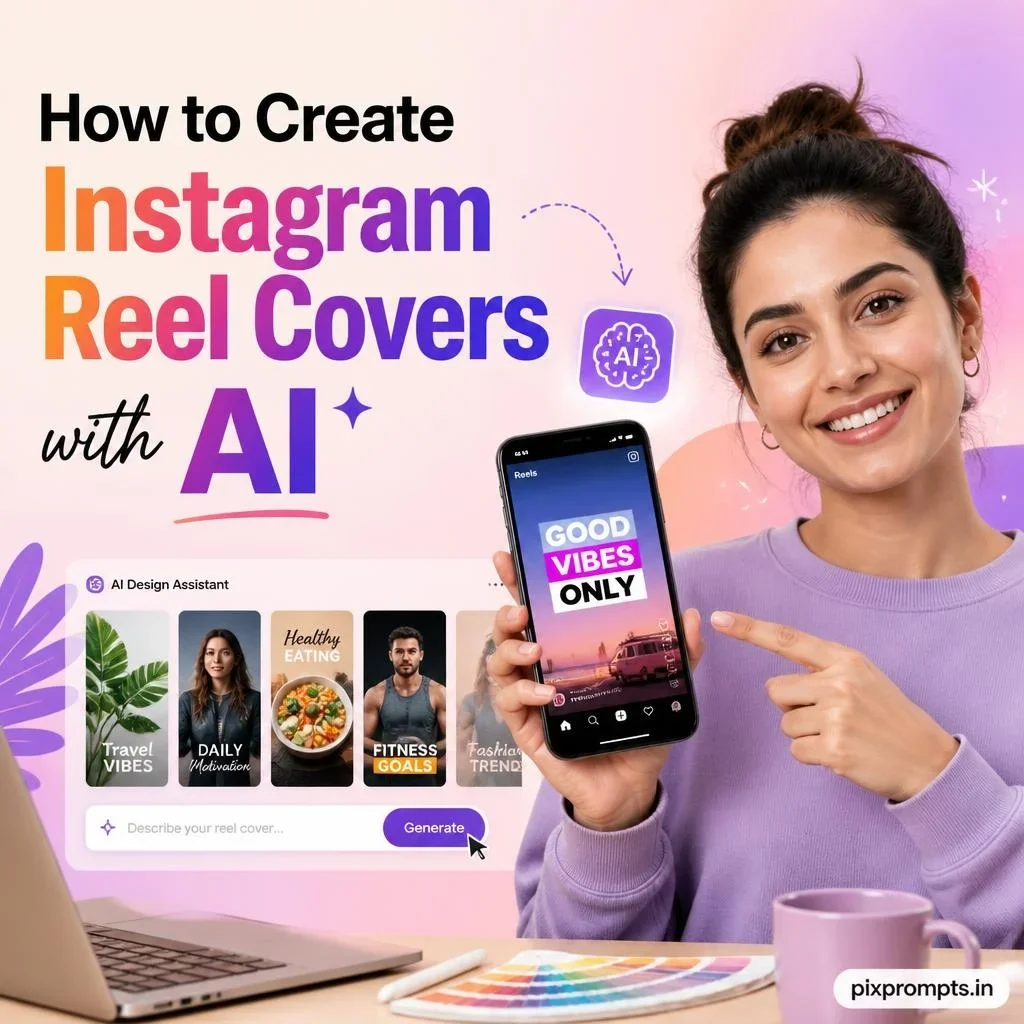
When someone visits your Instagram profile, the reel covers are often the first impression of your content. A random frame from the middle of a video can look blurry or awkward, making your profile feel messy. A designed reel cover, on the other hand, makes your grid look organised and invites visitors to watch more.
AI can help you create consistent, attractive reel covers quickly. This guide explains the special layout rules for reel covers, gives you prompts for different niches and shows you how to build a recognisable cover style for your account.
The Two Crops of a Reel Cover
Reels are vertical 9:16 videos, but your profile grid shows a cropped version of the cover. That means the important parts, such as your face and the title text, must sit in the central area. Anything near the top and bottom edges may be hidden on the grid view.
Before finalising a cover, preview it in the Instagram upload screen, which shows how it will appear on your grid. Adjust the position if text or faces are cut off.
Consistency Builds a Brand
Accounts with consistent reel covers look professional and are easy to recognise. Use the same font, colour palette and layout for every cover, changing only the image and title. Many creators use a colour per content series, for example green for recipes and orange for travel, so visitors can quickly find what they like.
Covers for Different Niches
Food creators often use close-up dish shots with a bold dish name. Fitness creators show action poses with short workout titles. Educators use a clean background with a big question. Travel creators use scenic shots with the destination name. Choose a format that tells visitors what the reel is about in one glance.
Covers for Old Reels
If your profile already has many reels with random covers, you do not need to fix all of them at once. Start with the most viewed reels and pinned posts, since visitors see them first. Gradually update others using your template, and within a few weeks your grid will look organised and intentional.
Reel Cover Prompts You Can Copy
Each prompt below is ready to copy. Replace the words in square brackets with your own details before you hit generate.
1. Food reel cover
Close-up of a steaming bowl of homemade rajma chawal on a dark wooden table, warm side light, appetising detail, vertical 9:16 layout, empty area in the centre for a short title.
2. Fitness reel cover
Keep my face the same. Vertical 9:16 image of me doing a confident pose in gym clothes against a clean dark background with bold orange rim light, space in the centre for a short workout title.
3. Travel reel cover
Vertical 9:16 scenic image of a narrow blue-walled street in Jodhpur at golden hour, warm light, a traveller with a backpack walking away, calm composition with space in the centre for the city name.
4. Education reel cover
Clean vertical 9:16 background in soft mint green with a simple illustrated lightbulb and books, minimal style, large empty central area for a question title.
5. Fashion reel cover
Keep my face unchanged. Vertical 9:16 fashion portrait of me in a stylish outfit against a pastel pink wall, soft daylight, full outfit visible, space in the middle for a short title.
6. Tech reel cover
Vertical 9:16 dark background with a sleek smartphone floating at an angle, glowing blue edges, futuristic light streaks, empty centre area for a title.
7. Motivation reel cover
Vertical 9:16 image of a lone person standing on a mountain top at sunrise, golden sky, inspiring mood, minimal composition with clear space for a short quote.
How to Create a Reel Cover with AI
- Plan your cover template: Choose a font, colour palette and title position.
- Generate the background: Use a vertical prompt with central empty space.
- Add the title: Place two to five words in the centre using your template font.
- Preview the grid crop: Make sure the title and subject are visible in the grid view.
- Upload as the custom cover: Select the cover option while posting the reel.
- Keep the style consistent: Repeat the template for every new reel.
Simple Workflow for Creators
A practical workflow is: plan the idea with a text tool like ChatGPT, generate visuals or clips with an image or video tool, and finish everything in a simple editor such as CapCut, InShot or any editor you are comfortable with. Each tool does one job well, and together they save hours.
Keep your files organised in folders by project so you can find scripts, images and clips quickly when you need to edit or repost.
Build a Daily Habit
The people who benefit most from AI are not those who use it occasionally for big tasks, but those who use it a little every day. Pick one routine task, such as planning your day, drafting a message or revising a topic, and use ChatGPT for it daily for two weeks.
By the end, you will understand the tool’s strengths and limits far better than any guide could teach.
Pro Tips for Better Results
- Keep titles in the centre to survive both the full and grid crops.
- Use high contrast between text and background for readability.
- Create cover templates in batches to save time each week.
- Match cover colours with your highlights covers for a unified profile.
- Use your face on some covers to build personal connection.
Common Mistakes to Avoid
Text near edges
Titles at the top or bottom get cut off on the grid.
Random styles
Each cover in a different style makes the grid look chaotic.
Tiny fonts
Small text becomes unreadable on the grid.
Covers that do not match the reel
Misleading covers frustrate viewers.
Frequently Asked Questions
Can I change a reel cover after posting?
Instagram has allowed editing covers in some cases; check the latest app options.
What size is a reel cover?
Use a 9:16 vertical image, keeping important elements centred for the grid crop.
Can I use AI images as covers?
Yes. AI backgrounds and portraits work well as long as they represent the reel honestly.
Do reel covers affect reach?
They mainly affect how attractive your profile looks and whether visitors watch more reels.
Quick Checklist
Before you finish, run through this short checklist:
- Plan your cover template
- Generate the background
- Add the title
- Preview the grid crop
- Upload as the custom cover
- Keep the style consistent
Conclusion
Reel covers are a small detail that makes a big difference to your profile. Use AI to create vertical backgrounds, keep titles centred, preview the grid crop and stick to one consistent style. Your profile will look polished and inviting, encouraging visitors to watch more of your content.
