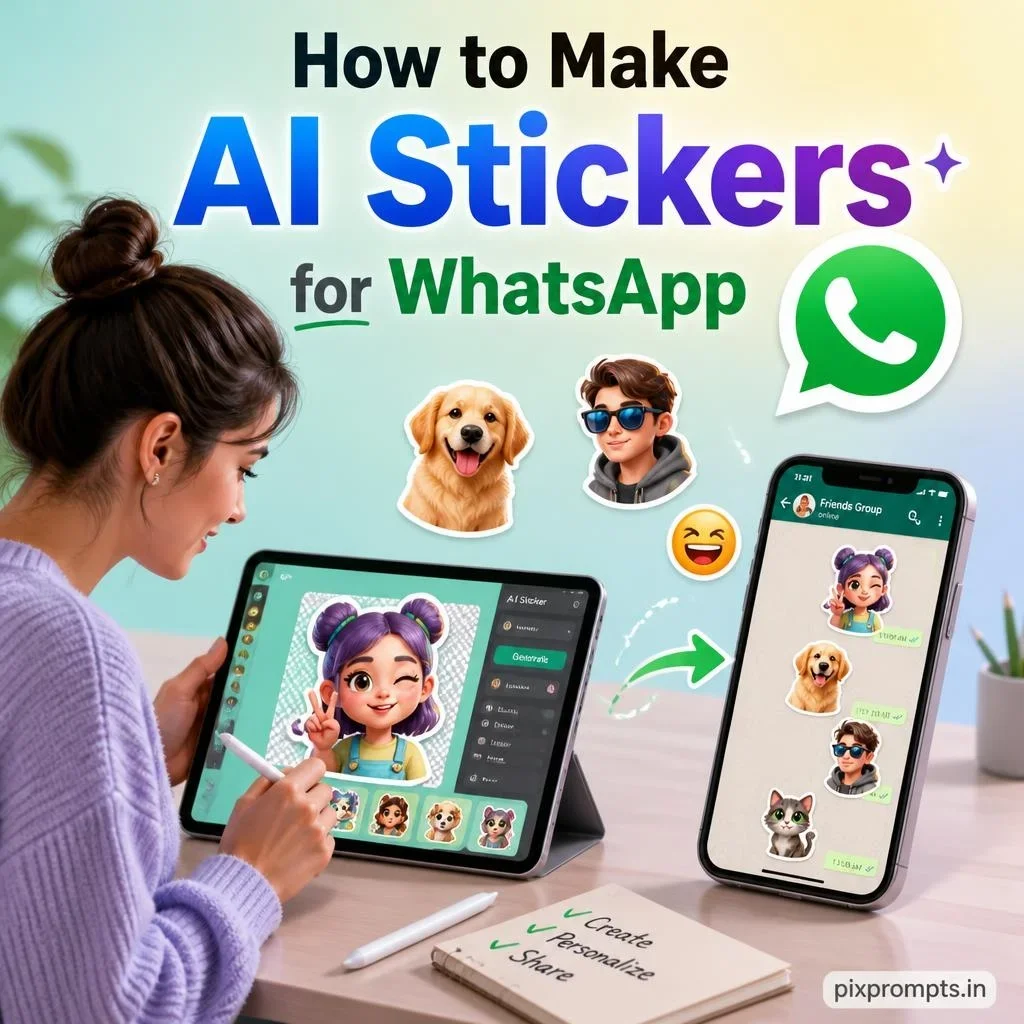
Stickers have become a big part of how we chat on WhatsApp. A funny reaction sticker can say more than a full sentence, and personalised stickers featuring your own cartoon face make conversations even more fun. With AI image tools, you can design your own sticker pack without any drawing skills.
Creating stickers involves a few extra steps beyond generating images: the design must be simple, the background removed and the stickers added to WhatsApp correctly. This guide walks you through the full process with sticker prompts you can use right away.
What Makes a Good Sticker
Good stickers are simple, bold and expressive. They have thick outlines, bright colours and one clear emotion or message. Because stickers appear small in chats, fine details get lost. A classic sticker style is a character with a white outline border, which makes it stand out against any chat background.
Short text, such as “OK”, “LOL” or “Thank you”, can be part of a sticker, but keep it to one or two words and check the spelling carefully.
Adding Stickers to WhatsApp
WhatsApp offers ways to create stickers, and options vary by device and app version. Some versions allow you to create stickers from an image directly in the chat, while sticker maker apps from the app store can help you build full packs. Check the current options in your WhatsApp version for the simplest method.
Personal Sticker Packs
Creating a sticker pack of your own cartoon face with different expressions is a fun project. Generate the same character with laughing, crying, shocked, thinking and thumbs-up expressions. Using the same style words in every prompt keeps the pack consistent and recognisable.
Sticker Pack Ideas to Try
Here are some themes that work well as packs: office life reactions such as “on a call” and “lunch break”, family group favourites such as “good night” and “jai shri krishna” style greetings with original artwork, exam season stickers for students, and cricket match reactions for big games. Choose one theme, create six to ten stickers in the same style and share the pack with the group it suits.
Small families and friend circles often love stickers made from inside jokes. A cartoon of your friend’s favourite dish or your dog’s grumpy face can become the most-used sticker in the group.
Sticker Prompts for WhatsApp
Copy any prompt below, paste it into your favourite AI tool and change the details in brackets to match your own photo or idea.
1. Laughing reaction
Cute cartoon sticker of a round yellow character laughing with tears of joy, thick black outline, white sticker border, simple flat colours, plain white background.
2. Personal cartoon face
Turn my photo into a cute chibi cartoon sticker with a big head and small body, giving a thumbs up, keep my face recognisable, thick outline, white sticker border, plain white background.
3. Chai lover
Cartoon sticker of a sleepy character hugging a giant cup of chai with steam hearts, cosy and funny, thick outline, white border, flat bright colours, plain background.
4. Good morning
Cheerful cartoon sun wearing sunglasses and waving, simple flat design, thick outline, white sticker border, short text "Good Morning" in bold letters, plain white background.
5. Festival greeting
Cute cartoon diya with a happy face and sparkles, thick outline, white sticker border, warm yellow and orange colours, plain white background, festive and friendly.
6. Shocked reaction
Cartoon cat with wide shocked eyes and open mouth, hands on cheeks, exaggerated expression, thick outline, white sticker border, flat colours, plain white background.
7. Thinking face
Cartoon character scratching its head with a question mark above, curious expression, thick outline, white sticker border, simple flat colours, plain background.
How to Make and Add AI Stickers
- Decide your sticker set: Plan five to ten expressions or messages.
- Generate with a sticker style: Use thick outlines, white borders and plain backgrounds.
- Remove the background: Use a background remover tool or app to make the background transparent.
- Resize if needed: Sticker maker apps usually handle sizing for WhatsApp automatically.
- Add to WhatsApp: Use WhatsApp’s sticker creation option or a sticker maker app.
- Share with friends: Send them in chats and let friends save their favourites.
How to Customise Any Prompt on This Page
Think of every prompt as a template with four parts: the subject, the setting, the style and the camera or lighting details. To make a prompt your own, change one part at a time. Swap the subject first, generate, and then experiment with the setting or lighting. This makes it easy to see which words are really shaping your image.
Keep a note of the versions you like. Over time you will build your own library of phrases that work well with your favourite tool, and creating new images will become much faster.
Teaching Family Members to Try It
Many parents and grandparents enjoy AI edits once someone shows them how. Sit with them, help them upload a photo and let them type a simple prompt in their own words. Seeing their own photo transform is often a delightful moment.
Teach them the safety basics too: use official apps, avoid sharing personal documents and never enter OTPs or passwords on unknown sites that promise free edits.
Pro Tips for Better Results
- Keep the same style words across prompts for a consistent pack.
- Plain white backgrounds make background removal easier.
- Exaggerated expressions read better in small sizes.
- Create festival packs for Diwali, Holi and Eid to share with family.
- Avoid tiny text; one or two bold words work best.
Common Mistakes to Avoid
Complex designs
Detailed illustrations become unclear at sticker size.
Leftover backgrounds
Stickers with white boxes look unprofessional. Remove backgrounds properly.
Misspelled text
Check spelling carefully before adding stickers.
Using copyrighted characters
Avoid famous cartoon characters; create original designs.
Frequently Asked Questions
Can I make animated stickers?
Some apps support animated stickers. AI video or GIF tools can help create short animations.
How many stickers are in a pack?
Requirements vary by app and method; sticker maker apps guide you through the current rules.
Can I make stickers of friends?
Yes, with their permission. Some people may not want their face used.
Do I need a transparent background?
Yes, stickers look best with transparent backgrounds.
Quick Checklist
Before you finish, run through this short checklist:
- Decide your sticker set
- Generate with a sticker style
- Remove the background
- Resize if needed
- Add to WhatsApp
- Share with friends
Conclusion
Making your own WhatsApp stickers with AI is simple and fun. Design bold, expressive characters with outlines and white borders, remove the backgrounds, and add them using WhatsApp’s tools or a sticker app. Soon your chats will be full of personal stickers that your friends and family will love.
