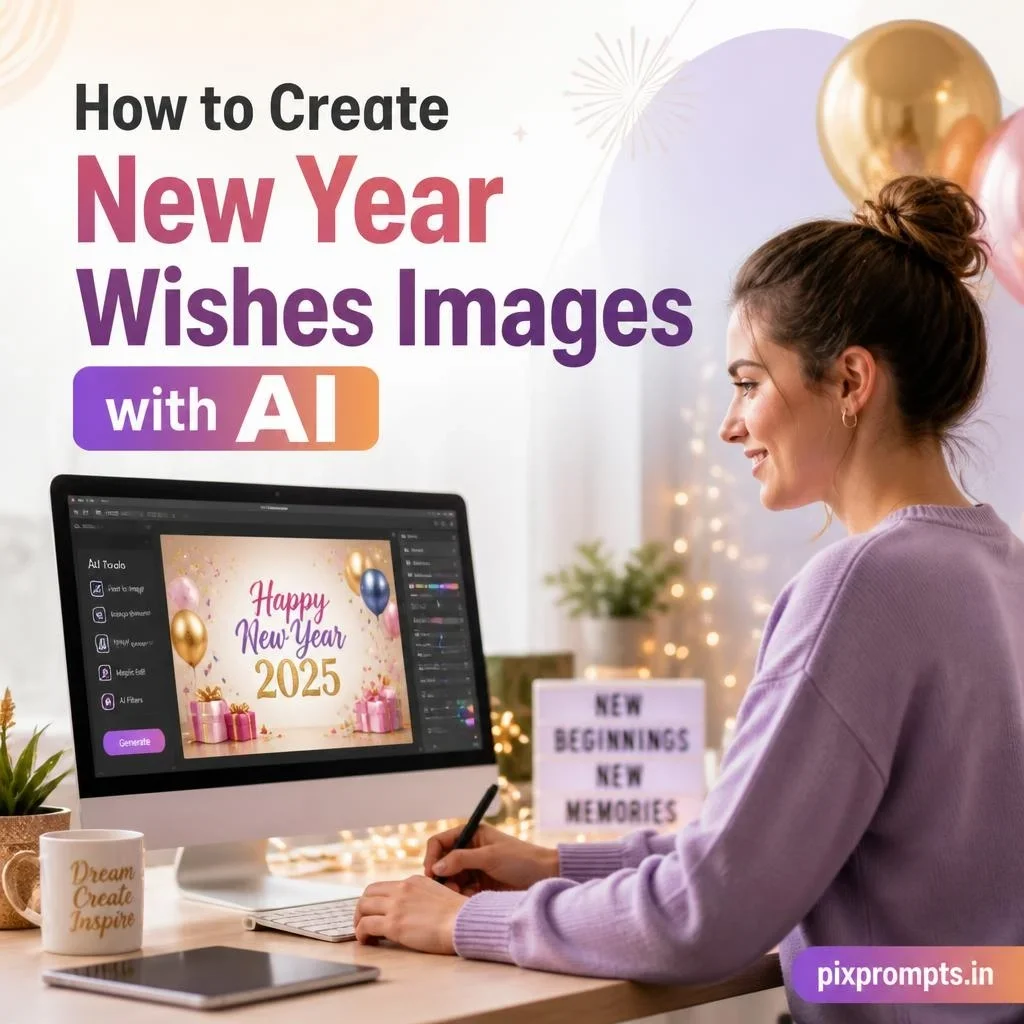
Every year on 31 December and 1 January, millions of New Year wishes fly across WhatsApp, Instagram and email. Most people forward the same generic images, so a unique, personal New Year image stands out immediately. AI lets you create your own designs in minutes, from glittering fireworks over a city to cosy family celebrations.
This guide gives you New Year image prompts for personal greetings, family photos, business wishes and minimal designs, along with tips for adding text and preparing images before the busy night.
Popular New Year Themes
Fireworks over a skyline, golden confetti, champagne-style celebration glasses, clocks striking midnight, glittering numbers, sparkler-lit portraits and calm sunrise scenes for fresh beginnings are all classic themes. Choose one main theme and design around it.
Colours usually include gold, silver, black, deep blue and purple, which feel festive and elegant at night.
Personal Versus Business Greetings
Personal wishes can include your photo, family portraits or warm cosy scenes. Business greetings should be cleaner, with brand colours and space for a logo and short message. Keeping these separate helps you share the right image in the right group.
Prepare Before the Rush
On New Year’s Eve, AI tools can be busy and you will want to be celebrating. Create your images a few days earlier, save them in a dedicated folder and schedule business posts if your platform allows it.
Ideas for Personal New Year Posts
Beyond greetings, New Year is a great time for reflective posts. Create a calm sunrise image and share three things you are grateful for from the past year and one goal for the new year. Or make a collage-style image representing your highlights, like a trip, a new job or a family celebration, and invite friends to share theirs.
For families, a simple image of everyone together with “Happy New Year from our family” feels warm and personal, especially for relatives living far away.
Business Posts That Feel Human
Businesses can thank customers for their support during the year, share a behind-the-scenes photo of the team or announce what is coming next. Keep the tone warm and avoid hard selling on New Year’s Day itself; a sincere thank-you often earns more goodwill than an offer.
New Year Wishes Image Prompts
Copy any prompt below, paste it into your favourite AI tool and change the details in brackets to match your own photo or idea.
1. Fireworks skyline
Colourful fireworks bursting over a modern city skyline at midnight, reflections on a river, golden and purple sparkles, festive night atmosphere, empty space at the top for "Happy New Year" text, wide 16:9.
2. Sparkler portrait
Keep my face exactly the same. Show me smiling while holding a sparkler at night, warm sparkle light on my face, golden bokeh lights behind, festive celebratory mood, realistic photo.
3. Family celebration
Keep all faces accurate. The family celebrating New Year's Eve in a decorated living room with fairy lights, golden balloons and a clock showing midnight, everyone smiling, warm cosy lighting.
4. Golden numbers
Elegant 3D golden numbers for the new year on a dark navy background with falling confetti and soft glitter, luxury greeting card style, centred composition.
5. Sunrise fresh start
Calm sunrise over the mountains with soft golden light and mist in the valleys, peaceful and hopeful mood, minimal composition with space for a New Year message.
6. Business greeting
Clean New Year greeting card background in deep blue and gold, subtle confetti, elegant minimal design, empty space in the centre for a company logo and short message.
How to Create New Year Wishes Images
- Choose a theme: Fireworks, golden numbers, family, sunrise or business.
- Generate your image: Use a prompt with empty space for text.
- Add greeting text: Use an editor to add your wish and name.
- Create versions for platforms: Make square, vertical and horizontal versions.
- Save in advance: Keep images ready before New Year’s Eve.
- Share at midnight or morning: Send personal wishes at midnight and business wishes in the morning.
Adding Greeting Text to Your Images
AI tools have become better at writing text inside images, but spellings can still go wrong, especially for longer messages or Hindi words. For important greetings, generate the image without text and add the words later using a free editor such as Canva or your phone’s markup tool.
Choose a font that matches the mood: elegant serif fonts for traditional greetings, bold rounded fonts for fun and colourful wishes. Keep the message short so it is readable on a small phone screen.
Teaching Family Members to Try It
Many parents and grandparents enjoy AI edits once someone shows them how. Sit with them, help them upload a photo and let them type a simple prompt in their own words. Seeing their own photo transform is often a delightful moment.
Teach them the safety basics too: use official apps, avoid sharing personal documents and never enter OTPs or passwords on unknown sites that promise free edits.
Pro Tips for Better Results
- Gold and dark blue create a luxurious festive look.
- Add your name or family name to make wishes personal.
- Create a matching WhatsApp status and Instagram post.
- Keep text short, like “Happy New Year” with a brief wish.
- Use the year number in text only after checking its spelling and formatting.
Common Mistakes to Avoid
Generic images
Forwarded images feel impersonal. Create your own.
Wrong year in text
AI can generate incorrect numbers. Add the year yourself.
Cluttered designs
Too many elements reduce elegance.
Last-minute creation
Busy servers and celebrations can make late edits stressful.
Frequently Asked Questions
Can I create a New Year video wish?
Yes. Combine images in a reel editor or animate them with AI video tools.
How do I add my business logo?
Upload your logo into an editor like Canva and place it in the empty space.
Which aspect ratio is best for WhatsApp status?
Use 9:16 vertical images for status and stories.
Can I include my photo?
Yes. Use a sparkler or celebration prompt with face protection.
Quick Checklist
Before you finish, run through this short checklist:
- Choose a theme
- Generate your image
- Add greeting text
- Create versions for platforms
- Save in advance
- Share at midnight or morning
Conclusion
Personal New Year images make your wishes memorable. Choose a theme, leave space for text, add your own greeting, prepare in advance and share at the right time. Start the new year with something beautiful and unique.
