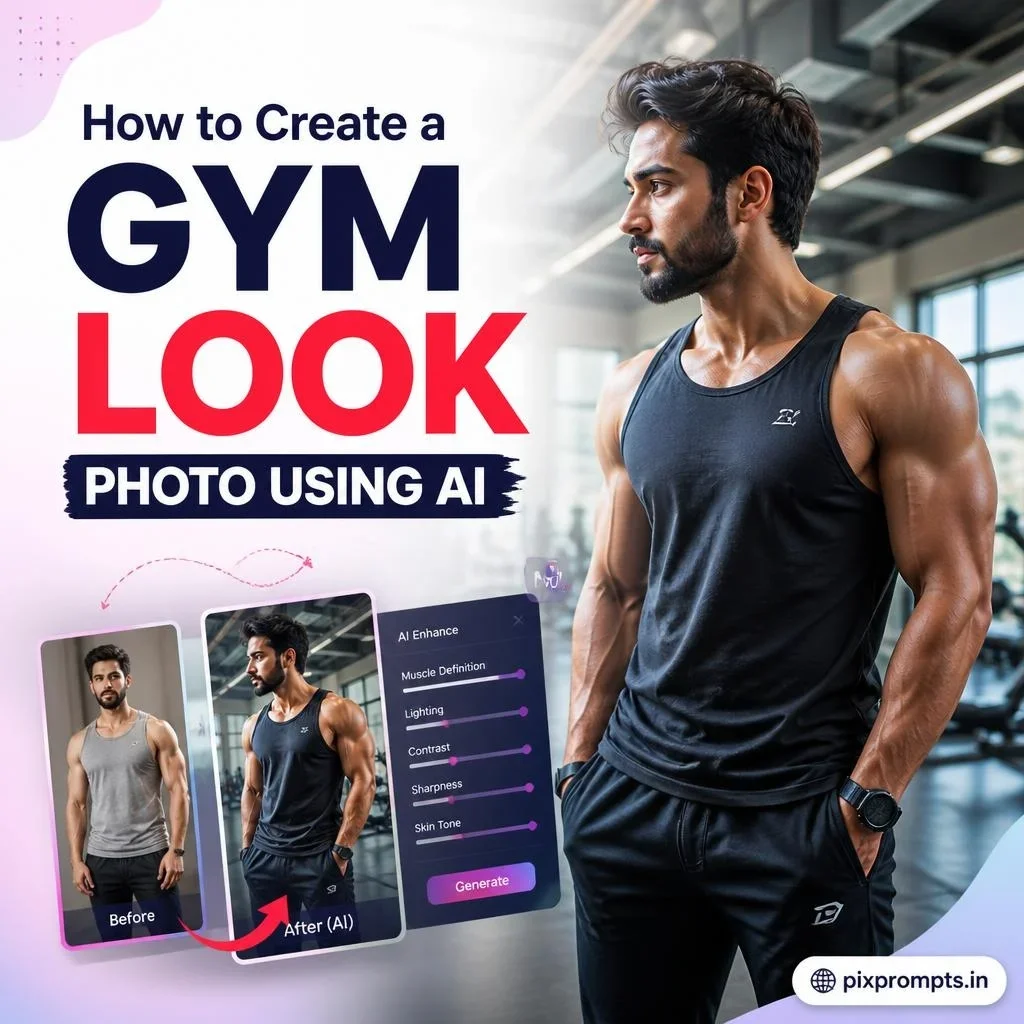
Fitness content is everywhere on Instagram, and a strong gym photo can be a great profile picture or motivational post. Dramatic gym lighting, confident poses and athletic outfits create a powerful look. But real gym photos are often taken in poorly lit corners with mirrors and clutter in the background.
AI can help you create cinematic gym portraits from your regular photos. It is important, though, to use these edits responsibly, especially in a niche where body image and honesty matter. This guide gives you gym prompts, styling ideas and tips for keeping edits motivating and truthful.
The Cinematic Gym Look
Professional fitness photos typically use dramatic side or top lighting that highlights shape and creates contrast, dark moody backgrounds, and a confident or focused expression. Equipment like dumbbells, barbells, ropes or a squat rack adds context. Outdoor workouts, such as running at sunrise or doing yoga on a terrace, also look great.
Colour grading often leans towards dark, contrasty tones with warm highlights, giving the image intensity and energy.
Be Honest About Body Edits
AI can change body shape easily, but presenting an edited body as your real transformation can mislead followers and create unrealistic expectations. Focus on improving lighting, background and mood rather than altering your physique. If you do create a “future goal” image, label it clearly as motivation.
Fitness Content Ideas
Gym images can support many types of posts: workout tips, motivational quotes, progress updates, gym outfit inspiration and challenge announcements. Pair your images with useful content, like a simple workout routine, so followers get real value beyond the picture.
Building a Fitness Series
Instead of single random gym images, plan a weekly series: Monday motivation, a mid-week workout tip and a weekend outdoor activity. Use consistent lighting and colour grading across the images so your feed looks planned. Pair each image with genuinely useful information, such as a simple warm-up routine or a reminder about rest days.
If you are a trainer, use AI images only for promotional mood, and use real client photos only with clear written permission.
A useful habit is keeping one untouched photo next to each edit in your archive, so you always know what was real and what was styled.
Gym Look Prompts
Copy any prompt below, paste it into your favourite AI tool and change the details in brackets to match your own photo or idea.
1. Dramatic gym portrait
Keep my face and body exactly as in the photo. Place me in a dark modern gym with dramatic side lighting highlighting my arms and shoulders, holding a dumbbell, focused determined expression, moody cinematic tones.
2. Barbell focus
Keep my face and physique unchanged. Show me preparing to lift a barbell in a gym with overhead spotlights, chalk dust in the air, intense concentration, dark background, cinematic fitness photography.
3. Sunrise run
Keep my face the same. Show me running on a seaside promenade at sunrise in athletic wear, warm golden light, motion in the background, energetic motivational mood, realistic photo.
4. Yoga terrace
Keep my face and body unchanged. Show me doing a yoga pose on a rooftop terrace at sunrise, calm city skyline behind, soft warm light, peaceful mood, realistic photo.
5. Battle ropes energy
Keep my face exactly the same. Show me working out with battle ropes in a gym, motion blur on the ropes, strong top lighting, sweat details, powerful energetic mood.
6. Gym mirror aesthetic
Keep my face and body unchanged. Show me taking a confident mirror selfie in a clean, modern gym with warm lights, tidy background, stylish athletic outfit, realistic photo.
How to Create a Gym Look Photo
- Choose a natural photo: Use a clear photo in athletic wear if possible.
- Pick a workout setting: Gym, outdoor run, yoga or functional training.
- Describe dramatic lighting: Side or top light adds shape and intensity.
- Keep the body accurate: Add “keep my body unchanged” to avoid misleading edits.
- Generate and review: Check face, hands and equipment for errors.
- Share with value: Pair the image with a workout tip or motivational message.
Editing the Result After Generation
Even a great AI result can be improved with a few seconds of manual editing. Use your phone’s built-in editor or a free app like Snapseed to straighten the image, adjust brightness and add a light vignette. Small changes like these make an AI edit feel finished and intentional.
If you plan to post on Instagram, crop to 4:5 for the feed or 9:16 for stories and reels. Check the image at full size before posting, especially around the eyes, fingers and any text, because those are the areas where AI tools most often make small errors.
Make It Personal, Not Generic
Thousands of people may copy the same trending prompt on the same day, which is why results can start to look alike. The easiest way to stand out is to change one detail that only you would choose: your city’s skyline, a colour you always wear, your family’s festival tradition or an object with personal meaning.
Small personal details turn a trend into your own story, and people respond to stories far more than to templates.
Pro Tips for Better Results
- Use side lighting for strong, sculpted fitness portraits.
- Dark backgrounds increase contrast and focus attention on you.
- Add chalk dust or sweat details for authenticity.
- Create a matching set of images for a fitness challenge series.
- Outdoor workout images add variety to a gym-heavy feed.
Common Mistakes to Avoid
Changing your physique
Unlabelled body edits can mislead followers.
Distorted equipment
Dumbbells and barbells can warp. Regenerate with simple poses.
Over-processed skin
Oily or plastic skin looks unnatural. Ask for natural skin texture.
Messy backgrounds
Cluttered gyms distract from the subject. Request a clean setting.
Frequently Asked Questions
Can I show a future goal body?
You can for motivation, but clearly label it as an AI goal image, not a real result.
Which lighting is best for gym photos?
Dramatic side or top light creates the strongest fitness look.
Can women use these prompts?
Yes. Adjust outfits and workouts as you like.
Are these good for fitness trainers?
Yes, for promotional images, as long as they remain honest about results.
Quick Checklist
Before you finish, run through this short checklist:
- Choose a natural photo
- Pick a workout setting
- Describe dramatic lighting
- Keep the body accurate
- Generate and review
- Share with value
Conclusion
AI gym photos can add energy and style to your fitness content. Use dramatic lighting and clean settings, keep your body accurate and pair images with genuine value. Responsible, motivating fitness content builds trust and inspires real progress.
