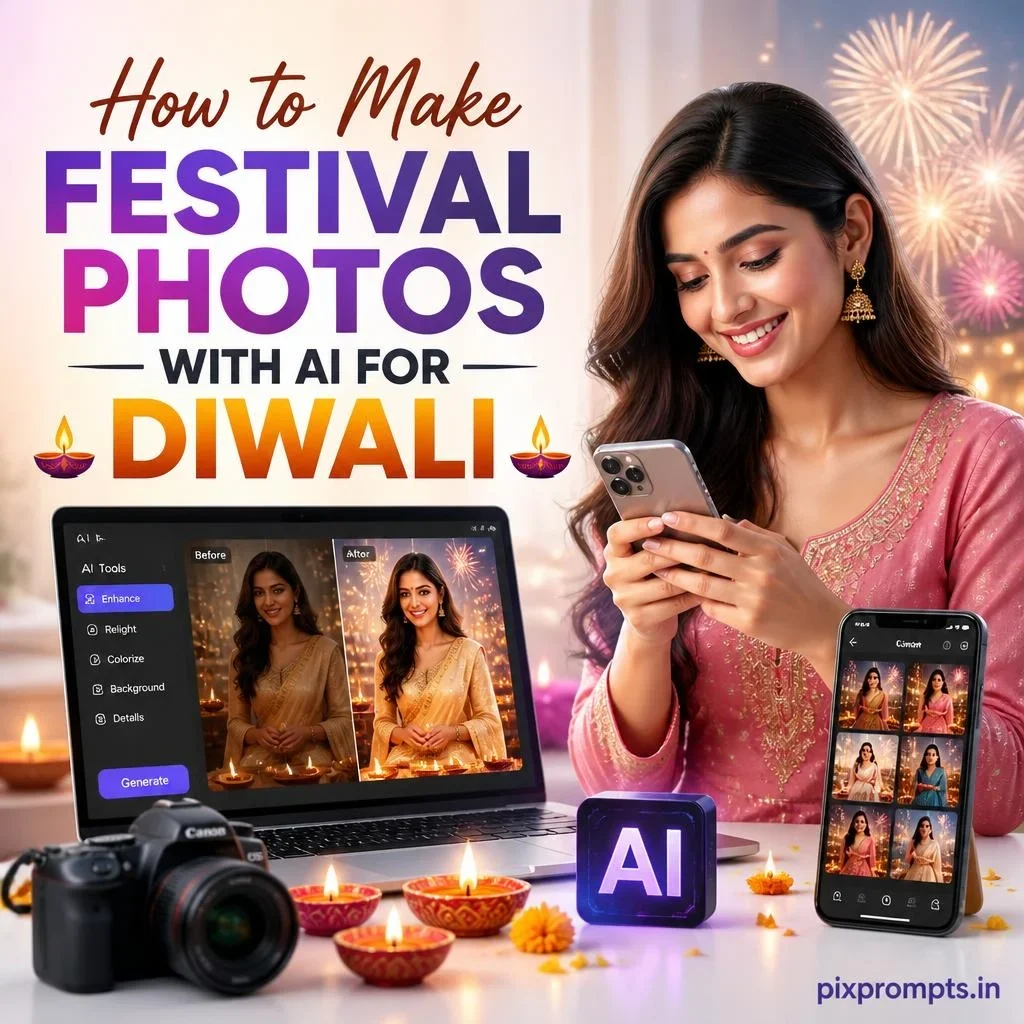
Diwali is the festival of lights, and it is also one of the busiest times of the year for photos. Everyone wants a glowing picture with diyas, rangoli, fairy lights and traditional outfits for their WhatsApp status, Instagram feed and family groups. But real festive photos are often dark, noisy or cluttered, because evening light is difficult to capture on a phone.
AI tools can help you create beautiful Diwali images from your own photos or completely from text. In this guide you will find prompts for solo portraits, couples, families, rangoli, greeting cards and lantern-lit balconies, along with simple tips to keep the glow warm and natural.
The Visual Ingredients of a Diwali Image
Most memorable Diwali images share the same elements: warm golden light from rows of clay diyas, soft bokeh from fairy lights, colourful rangoli on the floor, marigold garlands, sweets on brass plates and traditional clothes such as silk sarees, lehengas and kurtas. The light is the hero, so describe it clearly: warm, flickering, golden, glowing.
Background choice also matters. A balcony with lanterns, a courtyard with rangoli, a temple corridor lined with lamps or a decorated living room all communicate Diwali instantly. Pick one setting and let it support your subject rather than filling the frame with every symbol at once.
Lighting Tips for Night Festival Images
AI tools sometimes over-brighten night scenes so they look like daytime. Use words like “evening”, “night”, “lit only by diyas and fairy lights” and “warm glow on the face” to keep the festive darkness and contrast. A slight background blur helps the lights turn into beautiful round bokeh.
Diwali AI Photo Prompts
Each prompt below is ready to copy. Replace the words in square brackets with your own details before you hit generate.
1. Solo portrait with diyas
Keep my face exactly the same. Show me in a maroon silk saree with gold border, sitting on the floor beside a colourful rangoli, holding a lit clay diya near my face, rows of diyas around, warm golden glow on my face, softly blurred fairy lights behind, Diwali night, realistic photo.
2. Men’s festive portrait
Keep my face unchanged. Show me in a cream silk kurta with a golden Nehru jacket, standing on a decorated balcony with hanging lanterns and marigold garlands, warm diya light, city fireworks softly visible in the night sky, realistic festive portrait.
3. Family Diwali photo
Keep all faces exactly as in the uploaded photo. The family stands together in a decorated living room lighting diyas on a brass thali, marigold garlands, fairy lights on the walls, warm joyful mood, realistic night photo.
4. Couple Lakshmi puja
Keep both faces accurate. The couple performs Lakshmi puja together in traditional outfits, small decorated altar with flowers and diyas, warm lamp light, peaceful devotional mood, respectful and realistic.
5. Rangoli close-up
Top-down view of a vibrant circular rangoli made with red, yellow, pink and green colours, a ring of glowing clay diyas around it, flower petals scattered, night setting, rich detail.
6. Greeting card
Elegant Diwali greeting card design with rows of glowing diyas at the bottom, golden sparkles, deep royal blue background, space at the top for greeting text, festive and premium look.
7. Kids with sparklers
Keep the children's faces the same. Two kids in colourful traditional clothes holding sparklers safely in a courtyard, bright sparks, warm glow, joyful laughing expressions, realistic night photo.
How to Make Your Diwali AI Photo
- Choose the photo: Pick a clear photo of yourself or your family; it does not have to be taken at night.
- Decide the scene: Balcony, living room, courtyard or puja area. One setting is enough.
- Copy a prompt: Use a prompt above and adjust outfit colours and decorations.
- Generate and check the glow: Make sure the light looks warm and the faces stay natural.
- Add your greeting: Use an editor to add “Happy Diwali” or a personal message.
- Share early: Post your image on the morning of Diwali or the evening before for maximum reach.
Keep It Respectful and Authentic
Festivals carry deep cultural and religious meaning for families across India. When you create festival images, keep clothing, rituals and decorations respectful and accurate. If you are unsure about a tradition, ask an elder in the family or keep the image simple and celebratory.
Adding real details from your own celebration, like your home’s rangoli design, your city’s skyline or your family’s favourite sweets, makes the image feel personal rather than generic.
Pro Tips for Better Results
- Ask for “warm golden glow on the face” so the subject looks lit by the diyas.
- Mention fireworks only softly in the background; strong fireworks can overpower the portrait.
- Choose rich jewel tones such as maroon, gold, emerald and royal blue for outfits.
- Make a matching set: one solo, one couple and one family image for a carousel.
- For greeting cards, generate without text and add your message later for perfect spelling.
Common Mistakes to Avoid
Daylight-looking night
If the scene looks like afternoon, add “night time, dark background, lit only by diyas”.
Too many elements
Fireworks, rangoli, crackers, sweets and lanterns all together create clutter.
Unsafe firecracker scenes
Avoid images that show children handling crackers dangerously; keep it safe and positive.
Changed faces in family photos
Edit one or two people at a time if faces drift in group photos.
Frequently Asked Questions
Can I make a Diwali photo from a daytime selfie?
Yes. The AI can relight your photo as a night scene with diya light.
What colours look best for Diwali edits?
Warm golds, maroons, deep reds and royal blues work beautifully with diya light.
Can I create a Diwali video?
You can animate your image with an AI video tool or combine several images in a reel editor.
How do I add Hindi greetings?
Add Hindi text with an editing app for accurate spelling and fonts.
Quick Checklist
Before you finish, run through this short checklist:
- Choose the photo
- Decide the scene
- Copy a prompt
- Generate and check the glow
- Add your greeting
- Share early
Conclusion
Diwali AI photos are all about warm light, rich colours and joyful emotion. Start with a clear photo, choose one festive setting, describe the diya glow carefully and keep the scene uncluttered. Prepare your images a day early, add a heartfelt greeting and share the festival of lights with everyone you love.
