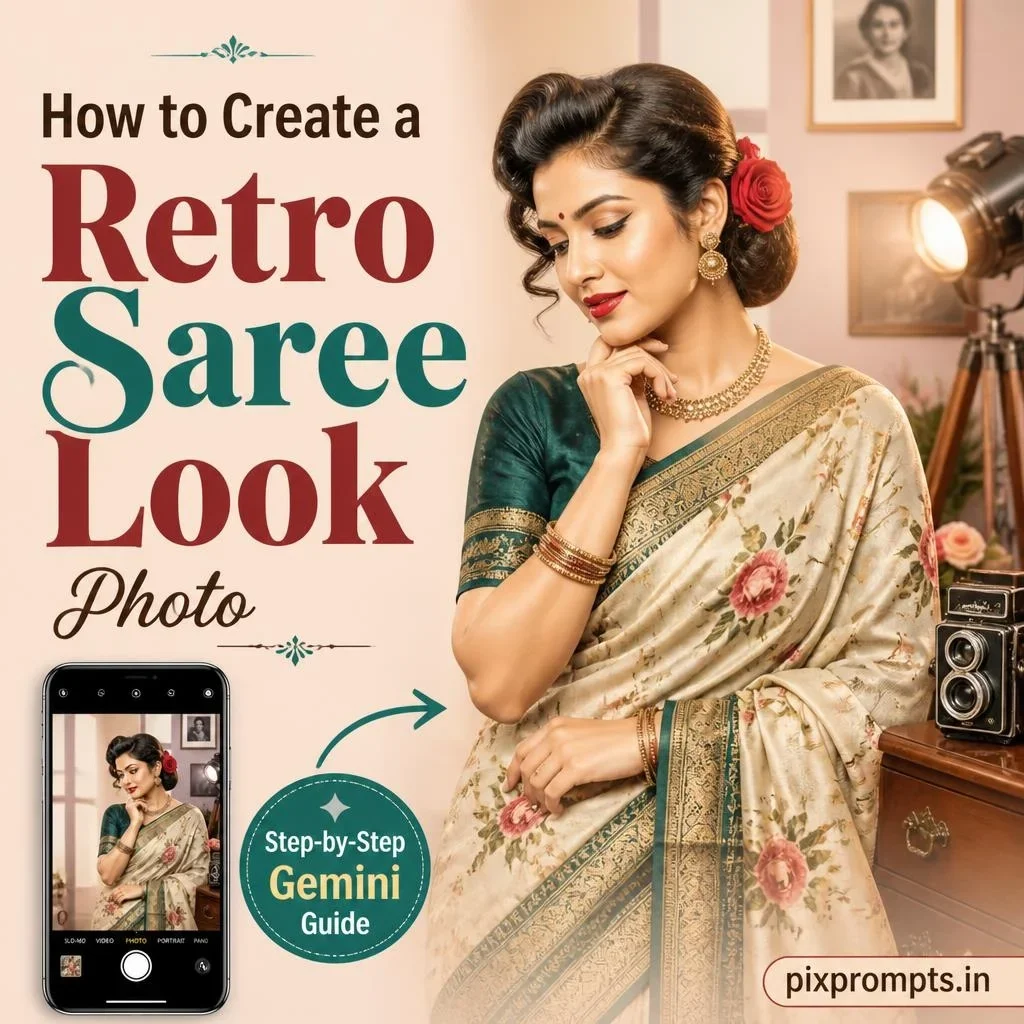
The retro saree edit has become one of the most loved AI photo trends on Instagram. It turns an ordinary selfie into a vintage-style portrait that looks like it came from an old film studio: chiffon or silk saree, classic hairstyle, soft grainy light and a warm, nostalgic colour tone. Many people use it for profile pictures, festive posts and reels.
Gemini makes this look surprisingly easy to create because you can upload your own photo and describe the vintage style in plain words. In this guide you will find detailed retro saree prompts, styling ideas for different moods and simple fixes for results that do not look quite right.
What Defines the Retro Look
The retro saree style borrows from classic film photography. Think of plain or polka-dot chiffon sarees, puffed or elbow-length blouses, flowers in the hair, winged eyeliner and soft, slightly grainy images with warm or muted tones. Backgrounds are usually simple: a plain wall, old wooden furniture, a vintage window or a softly lit studio.
Lighting is the secret ingredient. Classic portraits often used soft, directional light that created gentle shadows on one side of the face. Asking for this light in your prompt instantly makes the image feel like an old studio photograph.
Retro Saree Prompts for Gemini
Copy any prompt below, paste it into your favourite AI tool and change the details in brackets to match your own photo or idea.
1. Classic chiffon portrait
Keep my face exactly the same. Transform this photo into a retro vintage portrait. I am wearing a plain red chiffon saree with an elbow-length blouse, white jasmine flowers in my hair bun, soft winged eyeliner. Warm golden studio light from one side, plain textured wall, subtle film grain, old film photography look.
2. Black polka-dot saree
Keep my facial features unchanged. Create a vintage film-style portrait of me in a black chiffon saree with white polka dots, puffed short sleeves, a neat side-parted hairstyle, sitting near an old wooden window. Soft afternoon light, muted warm tones, slight grain.
3. Monochrome classic
Keep my face exactly as in the photo. Create a black and white retro studio portrait in a silk saree with a classic hairstyle and a small bindi. Dramatic soft side lighting, deep but gentle shadows, elegant pose, timeless old cinema mood.
4. Rain song scene
Keep my face the same. Show me in a light blue chiffon saree standing in gentle rain with a vintage umbrella, hair slightly wet, soft cinematic light, misty background, retro film colour tones, romantic and nostalgic feel.
5. Vintage staircase pose
Keep my face unchanged. Create a retro portrait of me in a deep green silk saree standing on an old wooden staircase in a heritage house, warm lamp light, elegant pose with one hand on the railing, faded film colours.
6. Retro with a radio
Keep my face exactly the same. Transform this into a vintage photo of me in a mustard yellow saree sitting beside an old radio on a wooden table, soft window light, warm sepia tones, light grain and a classic calm expression.
7. Garden swing
Keep my face the same. Retro film-style portrait of me in a pastel pink chiffon saree sitting on a garden swing surrounded by flowers, soft hazy daylight, dreamy vintage colour grade, gentle smile.
How to Create the Retro Saree Look in Gemini
- Select a front-facing photo: Use a clear selfie with good light and minimal makeup filters. Shoulders visible works best.
- Open Gemini and upload: Start a new chat, tap the attachment icon and add your photo.
- Paste a retro prompt: Choose one prompt above and adjust the saree colour or setting to your taste.
- Check face and drape: Make sure your face looks like you and the saree drape looks natural.
- Adjust the vintage feel: Ask for “more film grain”, “warmer tone” or “softer light” if the image looks too modern.
- Save and post: Download the image and crop it to 4:5 for the Instagram feed.
Choosing the Right Photo Before You Start
The photo you upload decides most of the final quality. Pick an image where your face is sharp, well lit and not hidden by sunglasses, hair or a hand. Front-facing or slightly angled shots work best. Avoid heavy beauty filters, because the AI treats the filter as part of your face and the edit can look plastic.
A simple background also helps. When the tool does not need to guess what is behind you, it spends more of its effort on the style you asked for. If you only have a busy photo, crop it closer to your face and upper body before uploading.
Pro Tips for Better Results
- Chiffon and silk sarees in solid colours look more authentically retro than heavily printed modern designs.
- Include “subtle film grain” and “warm faded tones” for an old-photograph feel.
- Flowers in the hair, winged eyeliner and classic earrings add instant vintage character.
- Keep backgrounds simple. Old walls, windows and wooden furniture suit the style better than modern rooms.
- Try both colour and black-and-white versions; many people love the monochrome result most.
Common Mistakes to Avoid
Forgetting to protect the face
Without “keep my face the same”, Gemini may create a different woman. Always put it at the start.
Making it too sharp
Modern sharpness and saturation fight the vintage feel. Ask for soft light and gentle grain.
Overloading accessories
Heavy jewellery, many props and busy backgrounds distract from the classic simplicity of retro portraits.
Unnatural saree drape
If the pallu looks strange, ask Gemini to “make the saree drape natural with realistic folds”.
Frequently Asked Questions
Can men try a retro look too?
Yes. Ask for a vintage suit or kurta, a classic side-parted hairstyle and the same warm film lighting.
Why does my saree look plastic?
Add “realistic chiffon fabric texture with natural folds” to help the AI render the fabric better.
Can I use a mirror selfie?
You can, but a straight selfie or a photo taken by someone else usually gives cleaner results.
Can I make a reel from these photos?
Yes. Create three or four retro portraits and combine them in a reel editor with a soft transition.
Quick Checklist
Before you finish, run through this short checklist:
- Select a front-facing photo
- Open Gemini and upload
- Paste a retro prompt
- Check face and drape
- Adjust the vintage feel
- Save and post
Conclusion
The retro saree edit is a simple way to give your photos timeless charm. Start with a clear selfie, protect your face in the prompt, choose a classic saree and simple background, and ask for soft light and gentle grain. Try a few colours and settings, and you will soon have a vintage-style portrait collection worth sharing.
