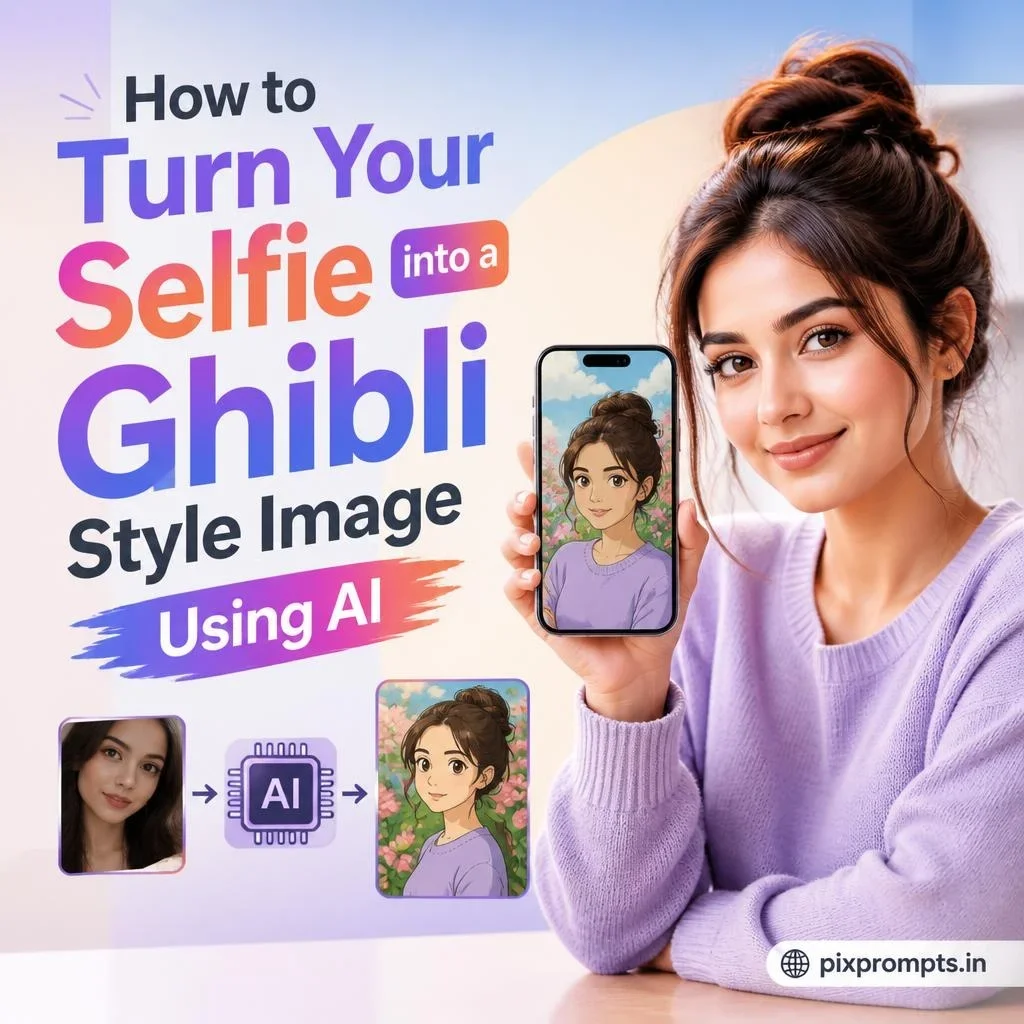
Few AI trends have spread as fast as Ghibli style images. Hand-painted skies, soft pastel colours, gentle sunlight and warm, slightly nostalgic characters make these pictures feel like a frame from an animated film. The good news is that you no longer need drawing skills to get this look. With a clear selfie and the right prompt, tools like ChatGPT and Gemini can redraw your photo in a whimsical, hand-drawn animation style within a minute.
In this guide you will learn what makes the Ghibli look work, which photos give the best results, and exactly what to type. You will also find ten ready-to-copy prompts for solo selfies, couple photos, family pictures and scenic backgrounds, plus fixes for the most common problems people face.
What Makes the Ghibli Look Special?
The style is recognised by a few clear ingredients: soft watercolour-like backgrounds, rounded and expressive faces, big gentle eyes, simple clean outlines and lighting that feels warm and calm. Nature plays a big role. Fluffy clouds, green hills, wildflowers, small village houses and glowing evening light appear again and again.
When you write a prompt, these are the words that matter most. Simply writing “Ghibli style” can work, but describing the feel, such as hand-painted background, pastel palette and soft golden light, gives the AI a much clearer direction and produces more consistent results.
Which Photo Works Best?
Choose a selfie where your face is clearly visible, evenly lit and not too far from the camera. Natural daylight from a window is ideal. Simple expressions, like a gentle smile, translate better into the animated look than extreme poses. If your original background is messy, that is fine, because the prompt can replace it with a dreamy landscape.
Ghibli Style Prompts You Can Copy
Each prompt below is ready to copy. Replace the words in square brackets with your own details before you hit generate.
1. Classic Ghibli selfie
Redraw this photo in a soft hand-painted Ghibli inspired animation style. Keep my face shape, hairstyle and expression recognisable. Pastel colours, gentle golden afternoon light, fluffy white clouds and a green hillside in the background. Clean outlines, warm and peaceful mood.
2. Rainy day window scene
Turn my selfie into a whimsical animated illustration in Ghibli inspired style. I am sitting by a wooden window on a rainy day holding a cup of chai, soft raindrops on the glass, warm lamp light inside, cosy and nostalgic atmosphere, watercolour textures.
3. Village road with cycle
Convert this photo into a hand-drawn animated film frame. I am riding an old bicycle on a narrow village road lined with sunflowers, small tiled-roof houses in the distance, bright blue sky with big soft clouds, gentle breeze moving my hair, warm summer colours.
4. Couple under a tree
Redraw this couple photo in dreamy Ghibli inspired animation style. Both faces must stay recognisable. We are sitting under a large old tree on a grassy hill at sunset, fireflies starting to glow, soft orange and pink sky, peaceful romantic mood, painterly background.
5. Family on a terrace
Transform this family photo into a warm hand-painted animation scene. Keep everyone's face and clothes similar. The family is standing on a rooftop terrace in an Indian town during evening, kites in the sky, potted plants, soft golden light, joyful and calm mood.
6. Forest adventure
Turn my selfie into an animated adventure scene in Ghibli inspired style. I am walking through a tall green forest with sunlight beams falling through the leaves, a small friendly forest creature beside me, moss covered stones, soft magical atmosphere.
7. Train window journey
Redraw this photo as a soft animated film still. I am looking out of a train window at green fields and distant mountains, warm afternoon light on my face, slight motion in the landscape, nostalgic travelling mood, pastel colours, detailed painted sky.
8. Night sky with stars
Convert my selfie into a hand-painted animated illustration. I am lying on a grassy field at night looking at a sky full of stars and a bright moon, gentle blue and purple tones, calm and dreamy mood, soft glow around the stars.
How to Turn Your Selfie into Ghibli Art, Step by Step
- Pick a clear selfie: Choose a sharp, well-lit photo where your face is not covered. Crop out extra empty space so the AI focuses on you.
- Open your AI tool: Use ChatGPT with image generation or the Gemini app. Start a new chat so older instructions do not affect the result.
- Upload and paste the prompt: Attach your photo first, then paste one of the prompts above. Change the scene details to match your taste.
- Review the first result: Check whether your face is recognisable and the style feels soft and painterly. Note anything that looks off.
- Refine with one change at a time: Reply with short corrections such as “make the eyes closer to my original” or “make the background more green and less busy”.
- Download and crop: Save the final image in the best quality available and crop it to 4:5 for an Instagram post or 9:16 for a story.
Choosing the Right Photo Before You Start
The photo you upload decides most of the final quality. Pick an image where your face is sharp, well lit and not hidden by sunglasses, hair or a hand. Front-facing or slightly angled shots work best. Avoid heavy beauty filters, because the AI treats the filter as part of your face and the edit can look plastic.
A simple background also helps. When the tool does not need to guess what is behind you, it spends more of its effort on the style you asked for. If you only have a busy photo, crop it closer to your face and upper body before uploading.
Pro Tips for Better Results
- Add the word “recognisable” when you want the face to stay close to your real look; without it, the AI may create a generic character.
- Mention the time of day. Golden afternoon, misty morning and starry night each give a completely different mood.
- Keep the clothing description simple. Plain kurtas, sweaters and cotton dresses look more natural in this style than heavy embellished outfits.
- For a series of images, reuse the same background and colour words so all your posts look like they belong to one story.
- If the result looks too sharp or digital, add “watercolour texture” and “hand-painted feel” to soften it.
Common Mistakes to Avoid
Using a dark or blurry photo
When the AI cannot see your features clearly, it guesses them and the result stops looking like you. Retake the selfie near a window in daylight.
Writing only two words
A prompt like “Ghibli style” often gives random backgrounds. Describe the scene, light and mood so you get an image you actually want.
Changing everything at once
If you ask for a new outfit, hairstyle, background and pose together, the face often drifts. Change the background first, then adjust other details.
Expecting an exact copy of a film frame
AI tools create images inspired by a style, not copies of specific movie scenes. Ask for an original scene with the mood you like.
Frequently Asked Questions
Is it free to make Ghibli style images?
Many AI tools, including Gemini and ChatGPT, offer some free image generation, though limits depend on your account and can change. Check the current limits inside the app you are using.
Why doesn’t the result look like me?
Usually the photo was unclear or the prompt did not ask to keep your features. Use a sharper photo and add “keep my face shape and expression recognisable” to the prompt.
Can I use these images on Instagram?
Yes, personal use on social media is common. Avoid using the images to claim they are official artwork from any film studio, and check the tool’s terms if you plan commercial use.
Can I make a Ghibli image of my whole family?
Yes. Use a group photo where every face is visible and similar in size, and mention that all faces should stay recognisable.
Quick Checklist
Before you finish, run through this short checklist:
- Pick a clear selfie
- Open your AI tool
- Upload and paste the prompt
- Review the first result
- Refine with one change at a time
- Download and crop
Conclusion
Turning a selfie into a Ghibli style picture is one of the easiest and most enjoyable ways to start with AI art. Pick a clear photo, describe a calm scene with soft light and nature, and refine the result with small changes. Try two or three prompts from this list, save your favourite and share it with friends. Once you get comfortable, mix and match scenes to create a whole animated story of your own life.
