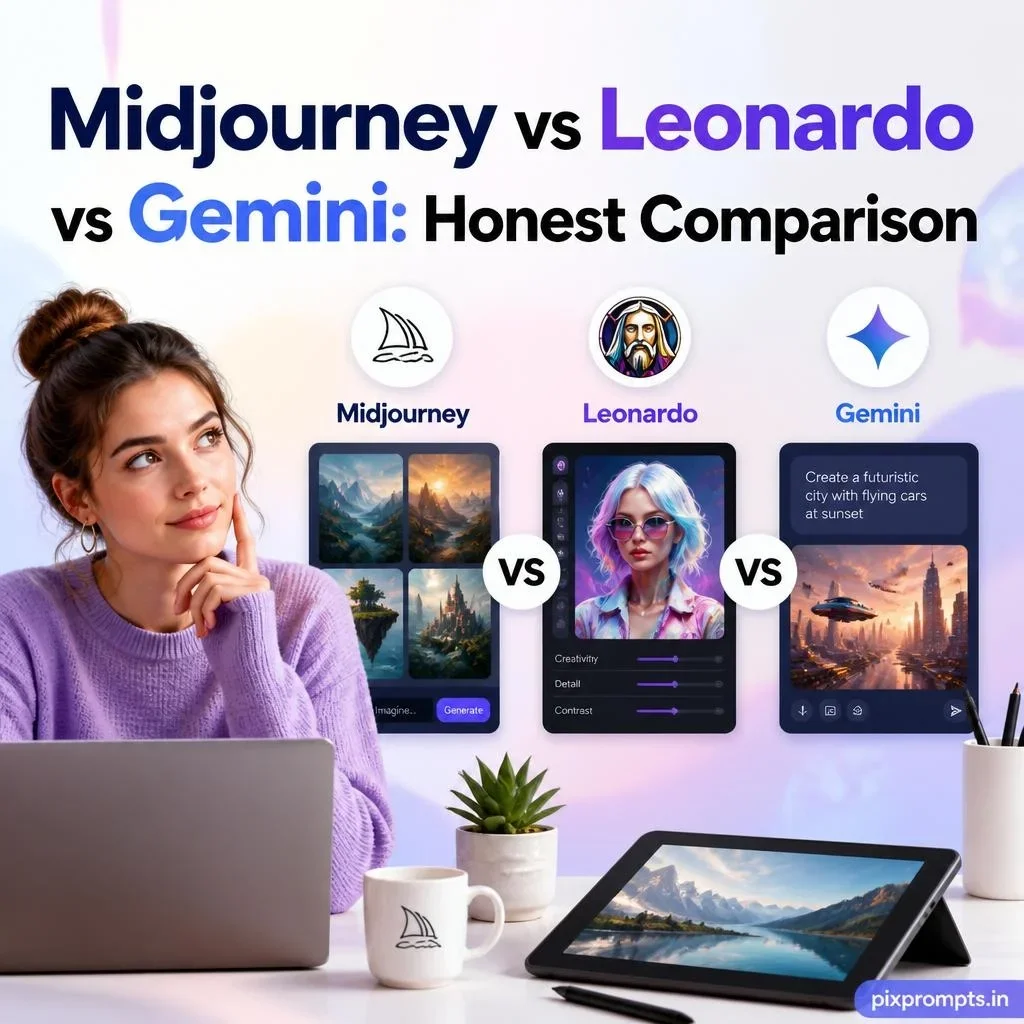
Midjourney, Leonardo AI and Gemini are three of the most talked-about AI image tools. Each has passionate fans, and online debates about which is best never end. The truth is that each tool is designed with different users and workflows in mind, and the best choice depends on what you create.
This comparison looks at how these tools generally differ in approach, workflow and typical use cases, without inventing benchmark numbers. Since all three update often, the best way to decide is to test them yourself, and this guide gives you a fair method to do that.
Midjourney in Brief
Midjourney is a paid service known for artistic, polished and cinematic images even from simple prompts. It offers parameters like aspect ratio and exclusions, and it is popular among artists and designers for concept art, fantasy, editorial and stylised imagery. It is less focused on conversational photo editing.
Leonardo AI in Brief
Leonardo AI is a web platform with various models and presets, offering controls like negative prompts, style options and image guidance. It has historically offered free daily usage with paid plans for more. It is popular for game assets, illustrations, product concepts and users who enjoy fine-tuning settings.
Gemini in Brief
Gemini is Google’s AI assistant, which can generate and edit images through conversation. It is easy for beginners, works well on mobile and is widely used in India for photo editing trends such as retro looks, figurines and background changes, where you upload a photo and describe changes in plain language.
Key Differences in Workflow
Midjourney centres on prompts and variations. Leonardo offers many settings and model choices. Gemini works conversationally with uploaded photos. Your preference for simplicity versus control is often the deciding factor.
A Fair Scoring Sheet
Create a simple sheet with columns for prompt, tool, image quality, prompt accuracy, face accuracy for edits, text accuracy and ease of use. Score each from one to five. After testing the six prompts above, add the scores. The tool with the highest total for the categories you care about is your best choice right now.
Repeat the test every few months, because rankings can change quickly when tools release updates.
Combining Tools in One Project
Many creators use more than one tool in a single project. For example, they might create an artistic background in one tool and use a conversational editor to place themselves into it. Thinking in terms of a toolkit rather than a single winner gives you more creative freedom.
Same Prompt, Three Tools: Test Set
Each prompt below is ready to copy. Replace the words in square brackets with your own details before you hit generate.
1. Artistic portrait
Cinematic portrait of an old fisherman on a Kerala beach at dawn, weathered skin, warm side light, misty background, film photography look.
2. Fantasy scene
A floating temple above clouds with golden light, waterfalls and flying birds, epic fantasy painting.
3. Product concept
Minimal product shot of a handmade clay diya on a beige surface with soft shadows, clean studio light.
4. Photo edit
Keep my face the same and change my outfit to a navy blazer with a plain grey background. Realistic headshot.
5. Illustration
Cute flat illustration of a cat reading a book under a lamp, pastel colours, simple shapes.
6. Text in image
A poster with the words "Monsoon Sale" in bold letters over a rainy street background.
How to Pick the Right Tool for You
- Define your main use: Photo edits, art, illustrations or product visuals.
- Check access and cost: Review current plans on official websites.
- Run the test set: Use identical prompts in each tool.
- Score the results: Rate quality, prompt following and ease of use.
- Consider workflow: Choose simplicity or control based on your preference.
- Decide and revisit: Pick a main tool and re-test after major updates.
Test, Compare and Keep Notes
Prompt writing is a skill you build through small experiments. Change one word, generate again and compare. Did the lighting change? Did the face become more realistic? Keeping short notes on what each change does is the fastest way to improve.
Many experienced creators keep a simple spreadsheet or notes file with their best prompts, the tool they used and a thumbnail of the result. This becomes a personal reference library you can return to again and again.
Make It Personal, Not Generic
Thousands of people may copy the same trending prompt on the same day, which is why results can start to look alike. The easiest way to stand out is to change one detail that only you would choose: your city’s skyline, a colour you always wear, your family’s festival tradition or an object with personal meaning.
Small personal details turn a trend into your own story, and people respond to stories far more than to templates.
Pro Tips for Better Results
- Use Gemini for quick photo edits on mobile.
- Explore Midjourney for artistic and cinematic concepts.
- Try Leonardo when you want detailed controls and presets.
- Using more than one tool is common among creators.
- Read each tool’s usage rights before commercial use.
Common Mistakes to Avoid
Trusting outdated comparisons
Tools change quickly; test them yourself.
Comparing with different prompts
Use identical prompts for fairness.
Ignoring costs
Factor in subscription prices for regular use.
Choosing based on hype
Choose based on your actual needs.
Frequently Asked Questions
Which tool is best for beginners?
Gemini is often easiest because of its conversational approach.
Which is best for artistic images?
Many artists favour Midjourney for its aesthetic results, but test for yourself.
Is Leonardo free?
It has historically offered free usage with limits; check current plans.
Can I edit my own photos in all three?
Gemini is designed for conversational edits; others offer image reference features with different workflows.
Should I pay for a tool?
Start with free options and pay only if a tool clearly saves time or improves results.
Quick Checklist
Before you finish, run through this short checklist:
- Define your main use
- Check access and cost
- Run the test set
- Score the results
- Consider workflow
- Decide and revisit
Conclusion
Midjourney, Leonardo AI and Gemini each serve different creative needs. Understand their general approaches, run your own fair test and choose based on your workflow and goals. The honest answer is that the best tool is the one that helps you create what you want most easily.
