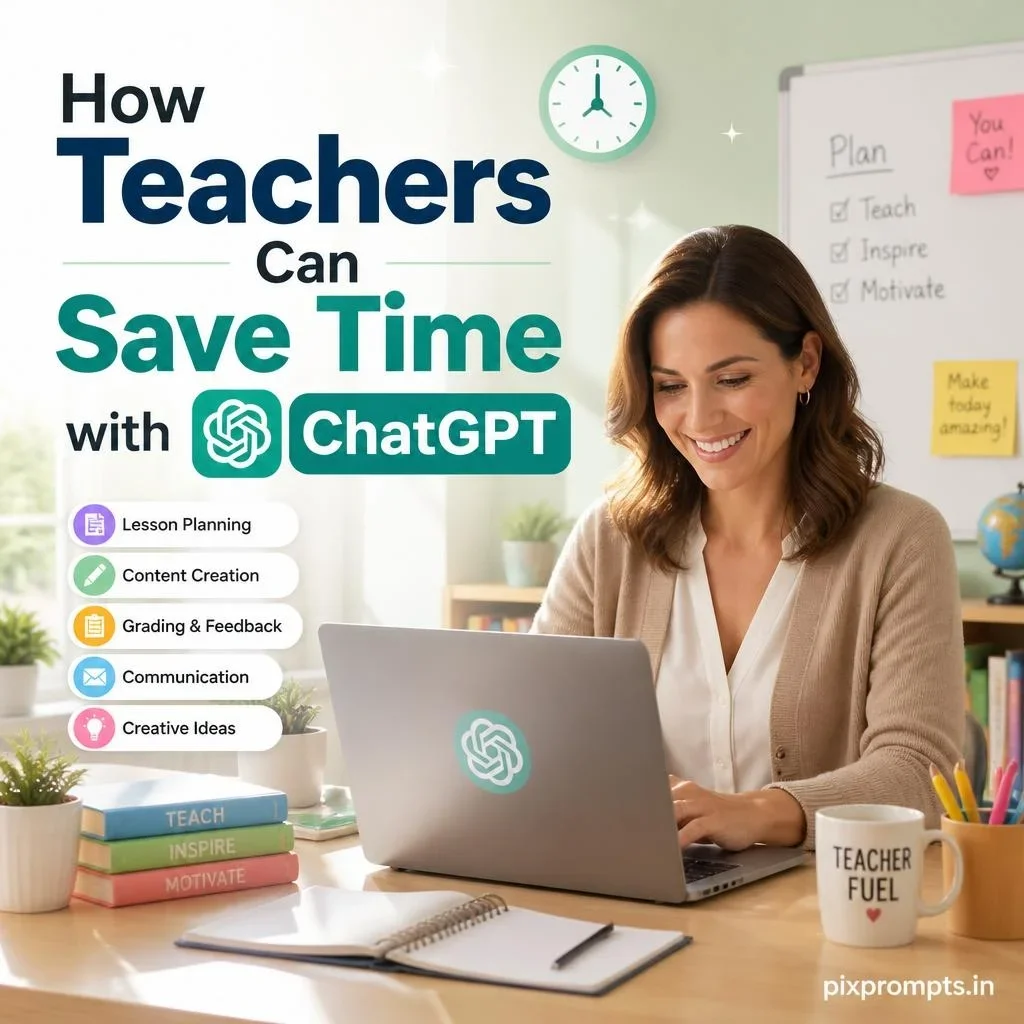
Teachers spend many hours beyond the classroom: planning lessons, creating worksheets, checking notebooks, writing reports and communicating with parents. These tasks are important but time-consuming. ChatGPT can help with many of them, giving teachers more time for what matters most, teaching and supporting students.
This guide offers practical prompts for lesson planning, assessments, activities and communication, along with guidance on accuracy, privacy and maintaining the teacher’s personal touch.
Lesson Planning Made Faster
ChatGPT can draft lesson plans with objectives, warm-up activities, explanations, group tasks and assessment ideas. Provide your class, subject, topic and duration, and it will produce a structure you can adapt. You stay in charge of content accuracy and alignment with your board’s syllabus.
It is especially useful for generating fresh activity ideas when you have taught the same topic many times.
Differentiation for Mixed Classes
Most classrooms include students with different abilities. ChatGPT can create simpler and advanced versions of the same worksheet, extra practice for struggling students and challenge questions for fast learners, helping every student progress.
Communication With Parents
Writing parent messages, circulars and progress notes takes time. ChatGPT can draft polite, clear messages in English or Hindi. Always personalise comments about individual students and avoid sharing private student data in AI tools.
Accuracy and Syllabus Alignment
AI can make factual mistakes or include content outside your syllabus. Check every question and explanation against textbooks and board guidelines before using them in class.
A Sample Week With ChatGPT
On Monday, a teacher might generate lesson plans for the week in one sitting. On Tuesday, she creates worksheets with two difficulty levels. On Wednesday, she drafts a parent circular about an upcoming trip. On Thursday, she builds a quick quiz for revision, and on Friday she uses report comment templates to speed up feedback. Spread across the week, these small savings add up to several free hours.
The time saved can go into one-on-one support for students who are struggling, creative activities or simply rest, which helps teachers stay energetic and patient in class.
Teaching Students to Use AI Well
Teachers are in a unique position to show students how to use AI responsibly. A short class discussion about checking facts, writing in your own words and using AI for practice rather than shortcuts prepares students for a future where these tools are everywhere.
Time-Saving Prompts for Teachers
Each prompt below is ready to copy. Replace the words in square brackets with your own details before you hit generate.
1. Lesson plan
Create a 40-minute lesson plan for class [grade] on [topic] in [subject]. Include learning objectives, a 5-minute warm-up, explanation, group activity, quick assessment and homework.
2. Worksheet
Create a worksheet on [topic] for class [grade] with 5 multiple-choice questions, 5 fill-in-the-blanks and 3 short-answer questions. Provide an answer key separately.
3. Differentiated versions
Create two versions of a worksheet on [topic]: one simpler with hints for students who need support and one with challenge questions for advanced learners.
4. Activity ideas
Suggest five engaging classroom activities to teach [topic] to class [grade] using low-cost materials available in a typical Indian school.
5. Parent message
Write a polite message to parents about [event or update], including date, time, what students need to bring and a contact for questions. Keep it short and clear.
6. Report comments
Suggest 10 constructive report card comment templates for students who are [description, e.g. improving in maths but need more practice], which I can personalise.
7. Quiz generator
Create a 10-question quick quiz on [topic] for class [grade], mixing easy and moderate questions, with answers.
How Teachers Can Add ChatGPT to Their Week
- Identify repetitive tasks: List tasks that take the most time each week.
- Use prompts for drafts: Generate lesson plans, worksheets and messages.
- Check accuracy: Verify content against textbooks and syllabus.
- Personalise: Add your teaching style and knowledge of students.
- Save templates: Keep successful prompts and materials for reuse.
- Share with colleagues: Collaborate and share time-saving resources.
Always Check Facts Before You Use the Output
ChatGPT is excellent at drafting, explaining and organising ideas, but it can sometimes state things confidently that are not correct. For anything involving numbers, dates, laws, health or exam syllabus details, cross-check with an official or trusted source before relying on it.
A good habit is to ask ChatGPT to list the points you should verify. It will usually highlight the parts of its own answer that need checking, which saves you time and keeps your work accurate.
Build a Daily Habit
The people who benefit most from AI are not those who use it occasionally for big tasks, but those who use it a little every day. Pick one routine task, such as planning your day, drafting a message or revising a topic, and use ChatGPT for it daily for two weeks.
By the end, you will understand the tool’s strengths and limits far better than any guide could teach.
Pro Tips for Better Results
- Ask for content in your board’s format, such as CBSE or state board style questions.
- Use ChatGPT to generate real-life examples that make topics relatable.
- Create bilingual materials for students more comfortable in Hindi.
- Ask for answer keys to speed up checking.
- Use AI to brainstorm, but trust your classroom experience.
Common Mistakes to Avoid
Using unchecked content
Errors in worksheets confuse students.
Sharing student data
Avoid entering names, marks or personal information into AI tools.
Over-relying on AI
Your knowledge of students matters more than any tool.
Ignoring school policies
Follow guidelines on AI use in your institution.
Frequently Asked Questions
Can ChatGPT create question papers?
It can draft questions; review them for accuracy, difficulty and syllabus alignment.
Can it help with Hindi or regional language content?
Yes, many languages are supported; review carefully.
Can students misuse ChatGPT?
Yes. Teachers can design assignments that require personal thinking and in-class work.
Is ChatGPT free for teachers?
There is generally a free version; check current plans.
Can it help with special education needs?
It can suggest strategies, but consult specialists for individual needs.
Quick Checklist
Before you finish, run through this short checklist:
- Identify repetitive tasks
- Use prompts for drafts
- Check accuracy
- Personalise
- Save templates
- Share with colleagues
Conclusion
ChatGPT can give teachers back valuable hours by speeding up planning, assessment and communication. Use it for drafts and ideas, check accuracy carefully, protect student privacy and add your personal teaching touch. Saved time can then go where it matters most: your students.
