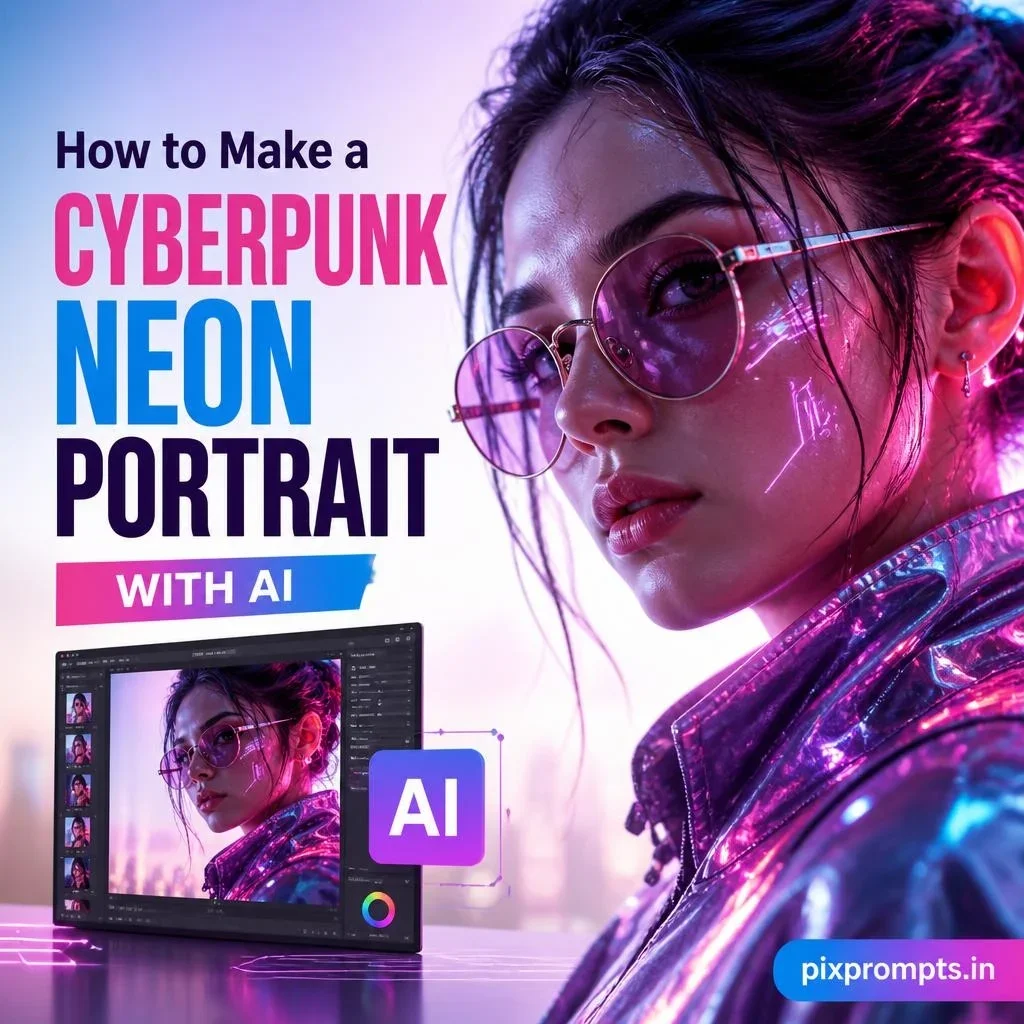
Cyberpunk portraits are bold, futuristic and full of glowing colour. Picture yourself in a rain-soaked city at night, lit by pink and blue neon signs, wearing a sleek jacket with glowing details and surrounded by holographic screens. This style is popular for gaming profiles, music covers, YouTube channels and anyone who loves a dramatic, sci-fi aesthetic.
The look depends heavily on lighting and colour. In this guide you will learn the core ingredients of cyberpunk style, ready-made prompts for different variations and tips to keep your face natural even under intense neon light.
The Cyberpunk Recipe
Cyberpunk visuals combine a dark night environment with strong neon lighting, usually in pink, magenta, cyan and electric blue. Rain and wet surfaces create reflections that double the glow. Futuristic city details such as holograms, digital billboards, cables and flying vehicles complete the scene. Outfits often include tech jackets, visors, glowing accessories and subtle cybernetic elements.
Contrast is essential. Deep shadows make neon colours pop, so the scene should feel dark overall with bright coloured highlights on the face and edges.
Two-Colour Lighting
The signature cyberpunk portrait uses two contrasting coloured lights, such as pink from one side and blue from the other. This creates a dramatic split-colour effect on the face. Mention both colours and their directions in your prompt for the most striking results.
Indian Twist on Cyberpunk
Add local flavour by setting the scene in a futuristic version of an Indian city: neon signs in Hindi, glowing auto-rickshaws, futuristic chai stalls or a rain-soaked Mumbai street of the future. This makes your portrait original and instantly memorable.
Using Cyberpunk Portraits Across Platforms
One cyberpunk portrait can serve several purposes. Use a square crop for a gaming profile picture, a vertical version for Instagram stories and a wide 16:9 version with space for text as a YouTube banner. Generate the wide version separately rather than stretching a vertical one, so the city background fills the frame naturally.
Many creators also design a matching set of highlight covers with neon icons, completing a consistent futuristic profile look.
Cyberpunk Neon Portrait Prompts
Each prompt below is ready to copy. Replace the words in square brackets with your own details before you hit generate.
1. Classic neon street
Keep my face exactly the same. Cyberpunk portrait of me standing in a rainy city street at night, pink neon light from the left and cyan light from the right on my face, wearing a black tech jacket with glowing details, wet reflections, holographic signs, cinematic mood.
2. Futuristic visor
Keep my face unchanged. Close-up cyberpunk portrait of me wearing a transparent glowing visor, neon reflections across my face, dark background with blurred city lights, intense futuristic mood.
3. Future Mumbai
Keep my face the same. Show me on a futuristic Mumbai street at night, neon signs in Hindi and English, glowing auto-rickshaws, light rain, pink and blue lighting, stylish streetwear with LED accents, cinematic sci-fi photo.
4. Rooftop overlooking city
Keep my face unchanged. Cyberpunk portrait of me sitting on a rooftop edge overlooking a glowing neon city with flying vehicles, cool blue tones with magenta highlights, calm confident pose.
5. Cybernetic details
Keep my face exactly the same. Futuristic portrait of me with subtle glowing cybernetic lines on my neck and arm, sleek silver jacket, dark neon-lit lab background, dramatic split lighting.
6. Night market of the future
Keep my face the same. Show me at a futuristic night market with holographic food stalls, floating lanterns and neon signs, steam rising, warm and cool lights mixing, lively sci-fi scene.
How to Make Your Cyberpunk Portrait
- Choose a sharp portrait: Close-up or upper-body photos work best.
- Pick your scene: Street, rooftop, lab or futuristic market.
- Describe two neon colours: Mention colours and directions for split lighting.
- Add futuristic details: Holograms, tech jackets or visors.
- Generate and check the face: Neon light can distort skin; ensure features stay natural.
- Adjust contrast: Ask for deeper shadows or brighter neon if needed.
Getting Consistent Results Across Multiple Images
If you are creating a series, for example a set of images for one Instagram carousel, keep the style words exactly the same in every prompt and change only the subject or action. Repeating the same lighting, colour palette and camera phrasing gives your images a matching look.
Many tools also let you reuse a previous image as a reference. When that option is available, use your best result as the reference for the next image. This keeps colours and mood consistent across the full set.
Printing Your AI Images
Some of the best AI edits deserve to leave the phone. For prints, choose your highest-quality version, upscale if needed and ask the print shop which size suits the image’s resolution. Matte paper reduces glare and suits artistic styles, while glossy paper makes bright colours pop.
A framed print of a special edit makes a thoughtful gift for birthdays, anniversaries and festivals, especially for elders who do not use social media.
Pro Tips for Better Results
- Pink and cyan is the classic cyberpunk colour pair.
- Rain and wet surfaces dramatically increase the neon effect.
- Keep outfits sleek and dark so neon highlights stand out.
- Use a 9:16 ratio for profile and story use, or 16:9 for banners.
- Add slight film grain for a cinematic feel.
Common Mistakes to Avoid
Too bright overall
Cyberpunk needs darkness. Ask for a night scene with deep shadows.
Neon covering the face
Overly strong colour can hide features. Ask for natural skin under neon light.
Too many effects
Holograms, smoke, rain and lasers together become messy.
Generic city
Add specific details to make the scene unique.
Frequently Asked Questions
Is cyberpunk good for profile pictures?
Yes. It is bold and eye-catching, especially for gaming and tech profiles.
Can I make a cyberpunk video?
You can animate the image with AI video tools or add motion effects in an editor.
Which colours work besides pink and blue?
Purple and orange or green and magenta also create strong contrast.
Can I add my name in neon?
Yes. Add a neon sign with your name, but check spelling or add it manually.
Quick Checklist
Before you finish, run through this short checklist:
- Choose a sharp portrait
- Pick your scene
- Describe two neon colours
- Add futuristic details
- Generate and check the face
- Adjust contrast
Conclusion
Cyberpunk neon portraits are all about darkness, glowing colour and futuristic detail. Use contrasting neon lights, rainy reflections and sleek outfits, keep your face natural and add a personal twist like a futuristic Indian city. The result is a portrait that looks straight out of a sci-fi film.
