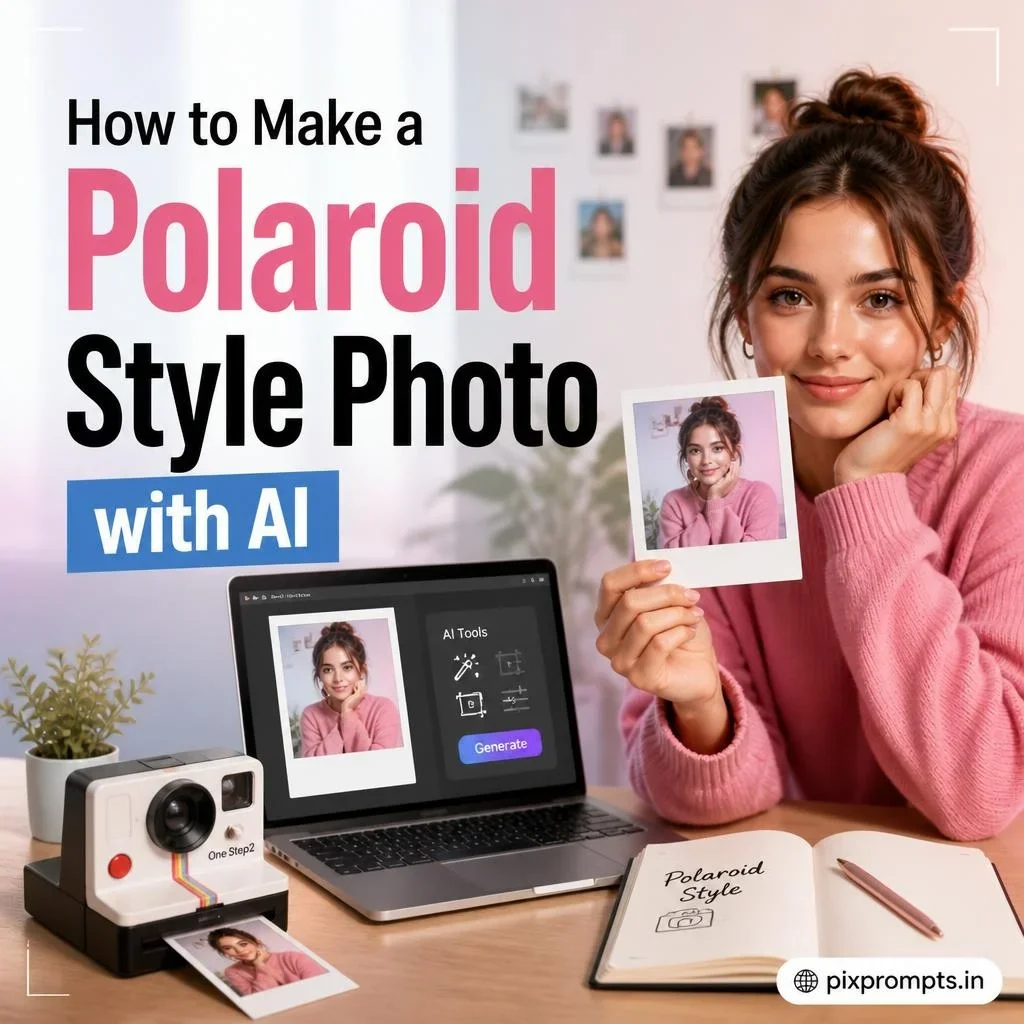
Polaroid photos have a special charm: the thick white frame, slightly faded colours, soft focus, direct flash and the feeling of a candid moment captured instantly. They feel personal and nostalgic, which is why Polaroid-style edits remain popular on Instagram, Pinterest and in scrapbooks.
With AI, you can turn any photo into a convincing instant-camera picture, complete with the iconic frame and colour tones. You can even create scenes where your Polaroid is pinned on a wall, held in hand or scattered on a table. This guide shows you how.
Features of an Instant Photo
Instant photos usually have a square or near-square image inside a white border that is thicker at the bottom. Colours are slightly faded with warm or cool shifts, highlights may glow a little and shadows look soft. Flash photos show bright faces, darker backgrounds and a candid party feel.
Mentioning these specific features helps the AI create an authentic look instead of simply adding a white frame around a modern photo.
Polaroid Photos in Scenes
A creative twist is placing your Polaroid inside a real-looking scene: pinned on a corkboard with string lights, held between fingers against a sunset, tucked into a travel journal or arranged in a collage on a bed. These scenes look great as Instagram posts and make the image feel physical and real.
Handwritten Captions
Classic instant photos often have handwritten notes on the bottom border, such as a date, place or short message. You can add these later using a handwriting-style font in an editor. Keep it short, like “Goa 2026” or “best friends”, for an authentic feel.
Polaroid Ideas for Special Days
Instant-style images suit birthdays, farewells, college reunions and anniversaries. For a farewell, create a wall of instant photos with each friend and a short handwritten note on each. For an anniversary, arrange photos from different years in a timeline across a table. These layouts turn simple edits into meaningful keepsakes.
Polaroid Style Prompts
Each prompt below is ready to copy. Replace the words in square brackets with your own details before you hit generate.
1. Classic Polaroid frame
Convert this photo into a classic instant camera photo with a thick white border, larger at the bottom, slightly faded warm colours, soft focus, light film grain and a gentle glow on highlights. Keep the faces the same.
2. Flash party look
Turn this photo into an instant camera flash photo taken at night, bright direct flash on the faces, darker background, slightly overexposed highlights, candid party mood, white instant photo frame, faces unchanged.
3. Polaroid held in hand
Show this photo as a printed instant photo with a white frame, held between fingers in front of a sunset beach background that is softly blurred, warm golden light, realistic scene.
4. Corkboard memories
Create a realistic image of this photo printed as an instant photo pinned on a corkboard with string lights, other small blurred photos and notes around it, cosy warm room lighting.
5. Friends collage
Turn this group photo into a set of four instant photos with white frames arranged casually on a wooden table with a vintage camera beside them, warm daylight, nostalgic mood, faces unchanged.
6. Travel journal
Show this photo as an instant print tucked into an open travel journal with a map, a pressed flower and a pen, natural daylight, warm vintage tones.
How to Make a Polaroid Style Photo
- Choose a candid photo: Natural moments look best in instant photo style.
- Pick a Polaroid style: Classic frame, flash look or photo-in-scene.
- Use the prompt: Mention white frame, faded colours and grain.
- Check the frame and colours: Ensure the border looks authentic and colours feel vintage.
- Add a handwritten note: Use an editor with a handwriting font for the bottom border.
- Share or print: Post on Instagram or print for a scrapbook.
How to Use These Prompts in Gemini or ChatGPT
Open the Gemini app or ChatGPT, start a new chat and attach one clear photo first. Paste the prompt only after the upload finishes, because the tool needs to see the image before it can follow your instructions. If the first result is close but not perfect, do not start over. Reply in the same chat with a short correction such as “keep the face the same, only change the background” and let the tool refine its own output.
Always download the final image in the highest quality the app allows, and keep your original photo safe in a separate folder. That way you can return to it later and try a different style without any loss in quality.
Save Your Winning Settings
When you finally get a result you love, take a minute to record what produced it: the exact prompt, the tool, the photo you used and any follow-up corrections. Paste these into a notes app with a screenshot of the result. Next time you want a similar image, you can start from a proven recipe instead of experimenting from zero.
Over a few weeks, these notes become a personal playbook that makes every new edit faster and more predictable.
Pro Tips for Better Results
- Square crops feel most authentic for instant photo edits.
- Warm faded tones suit summer memories; cool tones suit winter or night scenes.
- Candid laughter and movement make instant photos feel genuine.
- Create a set of Polaroids for a travel or friends carousel.
- Use the flash look for party or night-out photos.
Common Mistakes to Avoid
Modern sharpness
Too sharp images do not look like instant photos. Ask for soft focus.
Thin borders
A thin white frame looks like a digital border. Ask for a thick border, larger at the bottom.
Over-saturated colours
Instant photos have gentle, faded colours, not bright ones.
Fake handwriting from AI
AI-generated handwriting can look odd. Add your own text later.
Frequently Asked Questions
Can I make Polaroids from old photos?
Yes. Restored old photos look beautiful in instant photo frames.
What aspect ratio should I use?
Square images inside the frame look most authentic.
Can I print AI Polaroids?
Yes. Print them on photo paper and cut them to size for scrapbooks.
Is this trend good for couples?
Yes. Couple instant photos in a collage make lovely anniversary posts.
Quick Checklist
Before you finish, run through this short checklist:
- Choose a candid photo
- Pick a Polaroid style
- Use the prompt
- Check the frame and colours
- Add a handwritten note
- Share or print
Conclusion
Polaroid-style edits add nostalgia and warmth to your photos. Describe the white frame, faded colours, soft focus and grain, try photo-in-scene ideas and finish with a handwritten caption. Whether for Instagram or a scrapbook, these instant-style memories are sure to feel special.
