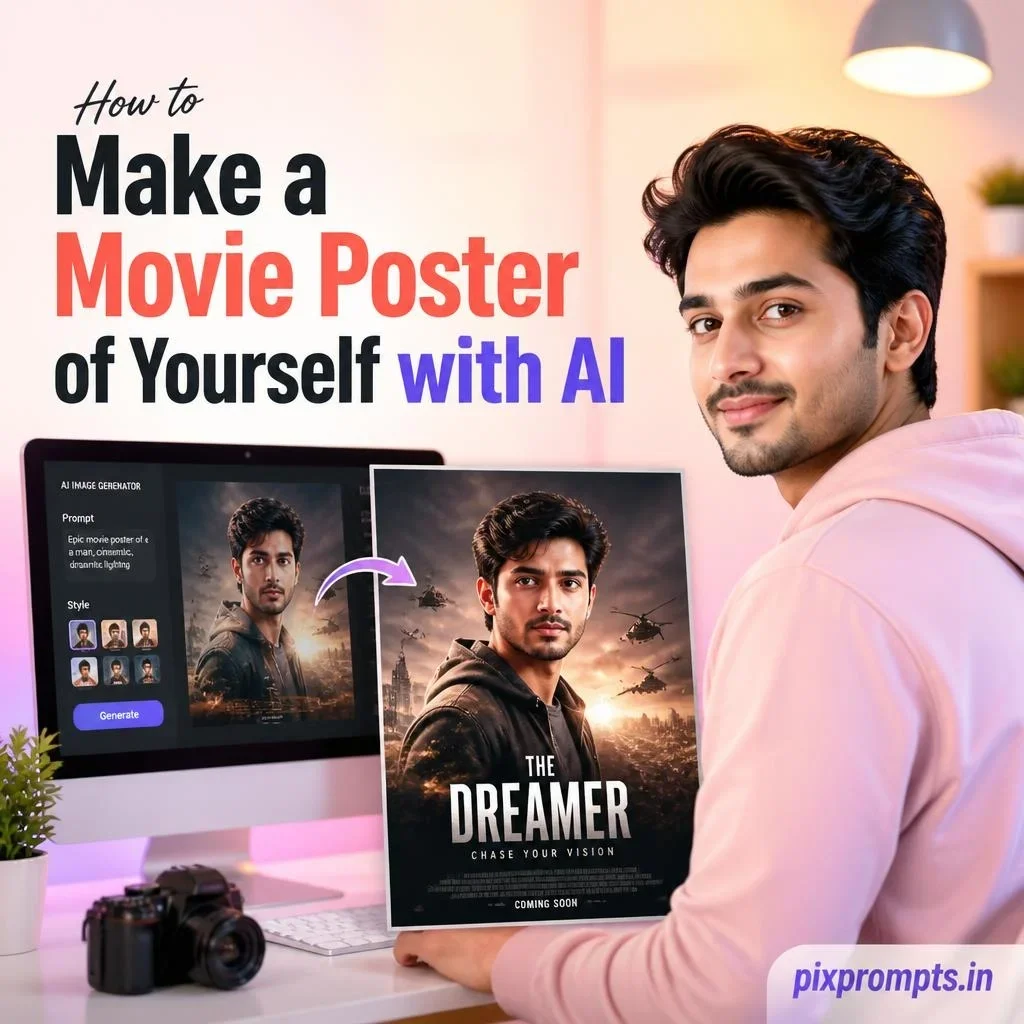
Everyone has imagined being the hero of a blockbuster at least once. With AI, you can make that moment real: your face on a dramatic poster with explosions, a romantic sunset, a dark thriller alley or a colourful comedy setup. These posters are perfect for birthdays, farewell parties, YouTube channel art or simply fun social media posts.
A good movie poster is more than a cool photo. It has a clear genre, strong composition, dramatic lighting and space for a title and tagline. This guide shows you how to combine these elements in your prompts, with ready-to-use templates for different genres.
Elements of a Great Poster
Genre is communicated instantly through colour and mood. Action posters use orange and teal tones, smoke and dynamic poses. Romance uses warm soft light and close compositions. Thrillers use dark blues, shadows and mystery. Comedy uses bright colours and exaggerated expressions. Bollywood-style posters often include multiple characters, bold colours and a dramatic hero pose.
Composition matters as well. Posters are usually vertical, with the main character large in the frame and empty space at the top or bottom for the title, tagline and credits.
Adding the Title
AI tools can sometimes write short titles directly in the image, but longer text often contains spelling errors. A reliable method is to ask for empty space in the prompt and add the title later using a poster or text app, choosing a bold font that matches the genre.
Movie Poster Prompts Starring You
Copy any prompt below, paste it into your favourite AI tool and change the details in brackets to match your own photo or idea.
1. Action blockbuster
Keep my face exactly the same. Create a vertical action movie poster with me as the hero in a black tactical jacket, standing confidently in front of a burning city skyline, sparks and smoke in the air, orange and teal cinematic colours, dramatic low angle, empty space at the top for the title.
2. Romantic drama
Keep my face unchanged. Romantic movie poster of me standing on a rainy railway platform holding a letter, soft warm light from the station lamps, emotional expression, dreamy bokeh, vertical layout with space at the bottom for the title.
3. Dark thriller
Keep my face the same. Thriller movie poster with me partially lit by a single streetlight in a dark foggy alley, half of my face in shadow, cold blue tones, mysterious and tense mood, space at the top for the title.
4. Comedy poster
Keep my face recognisable. Bright comedy movie poster of me with a surprised expression holding a burnt cake in a messy kitchen, colourful background, playful lighting, vertical layout with space for a title.
5. Bollywood masala
Keep my face exactly the same. Bollywood-style movie poster with me in a heroic pose wearing sunglasses and a leather jacket, colourful dramatic sky, slow-motion dust, supporting characters in the background, bold vibrant colours.
6. Sci-fi adventure
Keep my face unchanged. Sci-fi movie poster with me in a sleek silver space suit standing on an alien planet with two moons in the sky, glowing blue accents, epic scale, space for the title at the top.
7. Sports drama
Keep my face the same. Inspirational sports movie poster with me as a cricketer raising a bat towards the sky in a packed stadium under floodlights, emotional determined expression, golden light.
How to Make Your Own Movie Poster
- Choose a genre: Pick action, romance, thriller, comedy, Bollywood or sci-fi.
- Select a strong photo: A clear, expressive face works best for poster drama.
- Use a poster prompt: Copy a prompt and adjust costume, setting and mood.
- Ask for title space: Make sure there is empty space for text.
- Add title and tagline: Use an editor to add a movie name, tagline and fun credits.
- Share or print: Post it on social media or print it for a party or gift.
Simple Checks Before You Share Your Image
Before posting any AI image, zoom in and check the eyes, hands, jewellery and any written text. These are the details AI tools most often get wrong. If you spot a problem, ask the tool to fix that one area, or regenerate with the words “natural hands” or “clear readable text” added to the prompt.
Also check that the image matches the platform. Instagram feed posts look best at 4:5, stories and reels at 9:16, and YouTube thumbnails at 16:9. Asking for the right ratio in the prompt saves you from awkward cropping later.
Pro Tips for Better Results
- Use a vertical 2:3 aspect ratio for a classic movie poster feel.
- Low camera angles make heroes look powerful and dramatic.
- Add fake credits with friends’ names for a fun birthday or farewell poster.
- Keep the title short and bold so it is readable in small previews.
- Create a poster series with friends as different characters in the same film.
Common Mistakes to Avoid
Cluttered posters
Too many effects make the face disappear. Keep the hero as the main focus.
Misspelled titles
Generate without text and add the title manually for accuracy.
Wrong genre mood
Bright colours on a horror poster or dark tones on a comedy confuse the message.
Using real film logos
Avoid copying real studio logos or film titles; create your own original title.
Frequently Asked Questions
Can I make a poster with friends?
Yes. Use a group photo and ask to keep all faces recognisable, or create individual character posters.
What size should I print?
A3 or A4 prints look great if the image resolution is high enough.
Can I use these posters for my YouTube channel?
Yes, you can adapt them as channel art or thumbnails by changing the aspect ratio.
How do I add credits text?
Use a poster app or Canva, which offers fonts and layouts suitable for film credits.
Quick Checklist
Before you finish, run through this short checklist:
- Choose a genre
- Select a strong photo
- Use a poster prompt
- Ask for title space
- Add title and tagline
- Share or print
Conclusion
Making a movie poster of yourself is one of the most fun ways to use AI. Choose a genre, describe dramatic lighting and composition, leave space for a title and add your own text for the final touch. Whether it is for a birthday, farewell or just for fun, you will finally get to see your name in lights.
