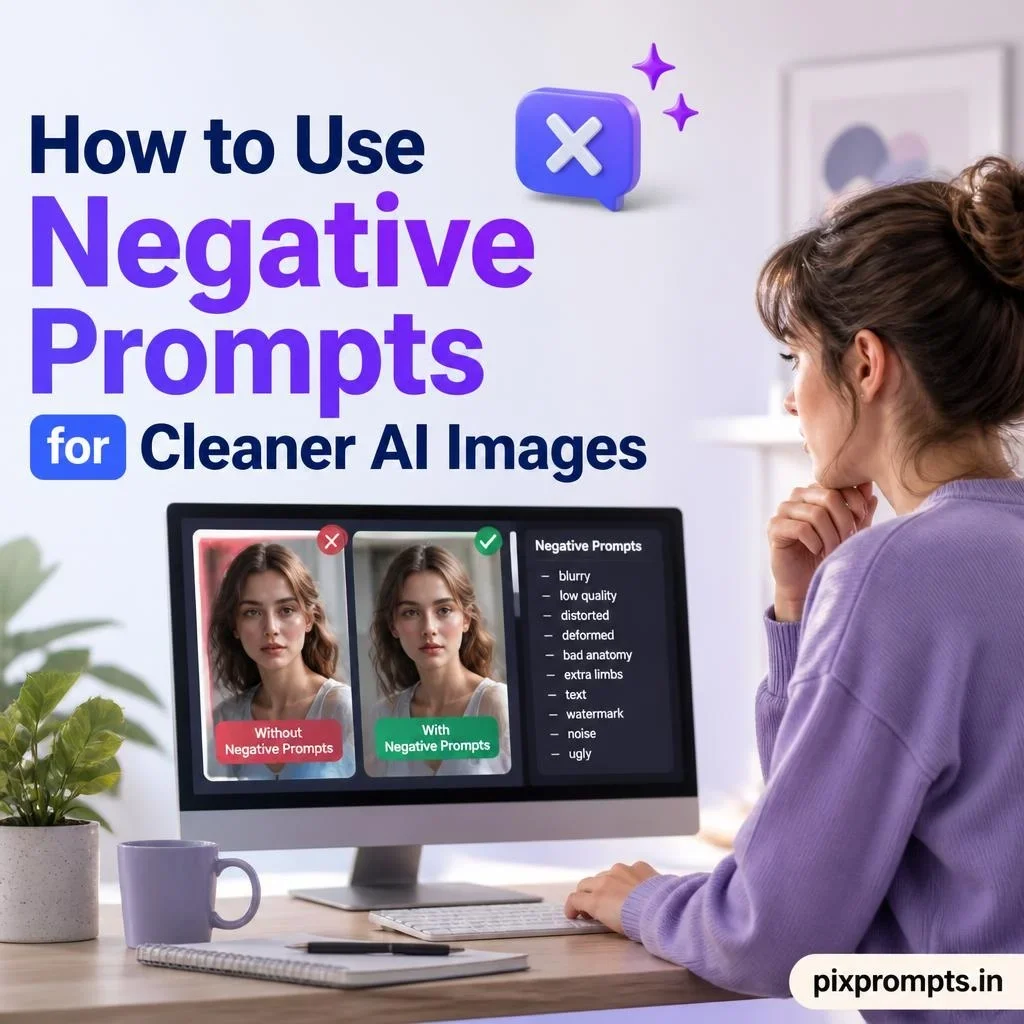
Sometimes the problem with an AI image is not what is missing but what is there that you did not ask for: blurry backgrounds, extra fingers, random text, watermarks, distorted faces or cluttered objects. Negative prompts are designed to deal with exactly this. They tell the AI what to avoid.
Not every tool uses negative prompts in the same way, and using them badly can actually make images worse. This guide explains what negative prompts are, where to use them, ready-made lists for common situations and how to test them properly.
What Is a Negative Prompt?
A negative prompt is a separate set of words describing things you do not want in the image. Tools based on Stable Diffusion, and platforms such as Leonardo AI, often provide a dedicated negative prompt field. Midjourney uses the –no parameter for a similar purpose. Chat-based tools like ChatGPT and Gemini usually do not have a separate box, so you simply write the exclusion in plain language, such as “no text, no watermark”.
The key idea is that you are steering the AI away from certain patterns. Negative prompts work best for specific, recurring problems rather than as a long generic list pasted into every image.
When Negative Prompts Help Most
They are useful when the same issue appears again and again: unwanted text on products, extra people in a background, distorted hands in portraits or a cartoon look when you want realism. If an image already looks good, adding a negative prompt may not improve it.
Positive Prompt First, Negative Prompt Second
A negative prompt cannot rescue a weak main prompt. If your main description is vague, the AI still has to guess, and the negative list only removes some of those guesses. Always make the positive prompt clear first: subject, details, setting, style and light. Then add a short negative list to clean up what remains.
Think of it like cooking. The main prompt is the recipe, and the negative prompt is a note saying “less salt”. The note helps, but only when the recipe is already good.
A Quick Example
Suppose your product photos of a steel bottle keep showing random text on the label. Add “text, letters, logo” to the negative field and generate again. If the label is now clean but the bottle looks dull, you have learned that the negative list did its job and the remaining issue belongs in the main prompt, perhaps “soft studio light with gentle reflections”.
Negative Prompt Lists for Common Situations
Each prompt below is ready to copy. Replace the words in square brackets with your own details before you hit generate.
1. Realistic portrait negatives
blurry, deformed face, extra fingers, distorted hands, cross-eyed, plastic skin, over-smoothed skin, cartoon, illustration, watermark, text, low resolution
2. Product photography negatives
text, logo, watermark, extra objects, cluttered background, harsh shadows, reflections on label, blurry edges, distorted shape, fingerprints
3. Landscape negatives
people, buildings, power lines, cars, text, watermark, oversaturated colours, blurry foreground, noise, cropped horizon
4. Anime and illustration negatives
photorealistic, 3D render, blurry lines, extra limbs, messy background, distorted face, text, signature, watermark
5. Food photography negatives
burnt, unappetising colours, plastic look, messy plate edges, extra cutlery, hands, text, blurry focus
6. Midjourney style exclusion
A cosy reading corner with a wooden chair, a warm lamp and stacked books, soft evening light, realistic interior photo --no people, text, clutter
7. Plain language for Gemini or ChatGPT
Create a clean product photo of a steel water bottle on a white background. Do not include any text, logos, hands or extra objects, and avoid harsh shadows.
How to Use Negative Prompts Step by Step
- Spot the recurring problem: Generate a few images and note what goes wrong repeatedly.
- Find the right field: Check whether your tool has a negative prompt box, a –no parameter or only a main prompt.
- Write short, specific exclusions: List only the problems you actually see, separated by commas.
- Generate again with the same seed if possible: Some tools let you reuse a seed so you can see the exact effect of the negative prompt.
- Compare results: Check whether the problem reduced without creating new issues.
- Refine your list: Remove words that do not help and keep a saved list for each type of image.
Test, Compare and Keep Notes
Prompt writing is a skill you build through small experiments. Change one word, generate again and compare. Did the lighting change? Did the face become more realistic? Keeping short notes on what each change does is the fastest way to improve.
Many experienced creators keep a simple spreadsheet or notes file with their best prompts, the tool they used and a thumbnail of the result. This becomes a personal reference library you can return to again and again.
Pro Tips for Better Results
- Keep negative prompts short; a few targeted words often work better than a huge list.
- Do not repeat in the negative prompt something you mention in the main prompt; it confuses the tool.
- In chat-based tools, phrase exclusions as clear sentences such as “do not add any text”.
- Save separate negative lists for portraits, products and landscapes.
- If hands still look wrong, combine negative prompts with simpler poses in the main prompt.
Common Mistakes to Avoid
Pasting giant negative lists everywhere
Huge lists can weaken the main prompt and reduce creativity. Use targeted exclusions.
Contradicting the main prompt
Asking for “a man holding a phone” while excluding “hands” leads to strange results.
Expecting miracles
Negative prompts reduce problems but cannot fix everything, especially complex hands or crowded scenes.
Using them in the wrong place
Typing “negative prompt:” inside a chat tool may not work as intended. Use plain language instead.
Frequently Asked Questions
Does ChatGPT support negative prompts?
Not as a separate field, but clear instructions like “no text, no watermark” in the main prompt work similarly.
What is the –no parameter?
In Midjourney, –no followed by words asks the tool to avoid those elements.
Can negative prompts fix bad hands?
They can help, but simple poses and clear prompts matter just as much.
Should beginners use negative prompts?
Yes, but start with a few targeted words rather than long copied lists.
Quick Checklist
Before you finish, run through this short checklist:
- Spot the recurring problem
- Find the right field
- Write short, specific exclusions
- Generate again with the same seed if possible
- Compare results
- Refine your list
Conclusion
Negative prompts are a precise tool for removing recurring problems from AI images. Identify what keeps going wrong, use the right method for your tool, keep exclusions short and test carefully. With saved lists for different image types, you will spend less time fixing mistakes and more time creating clean, professional results.
