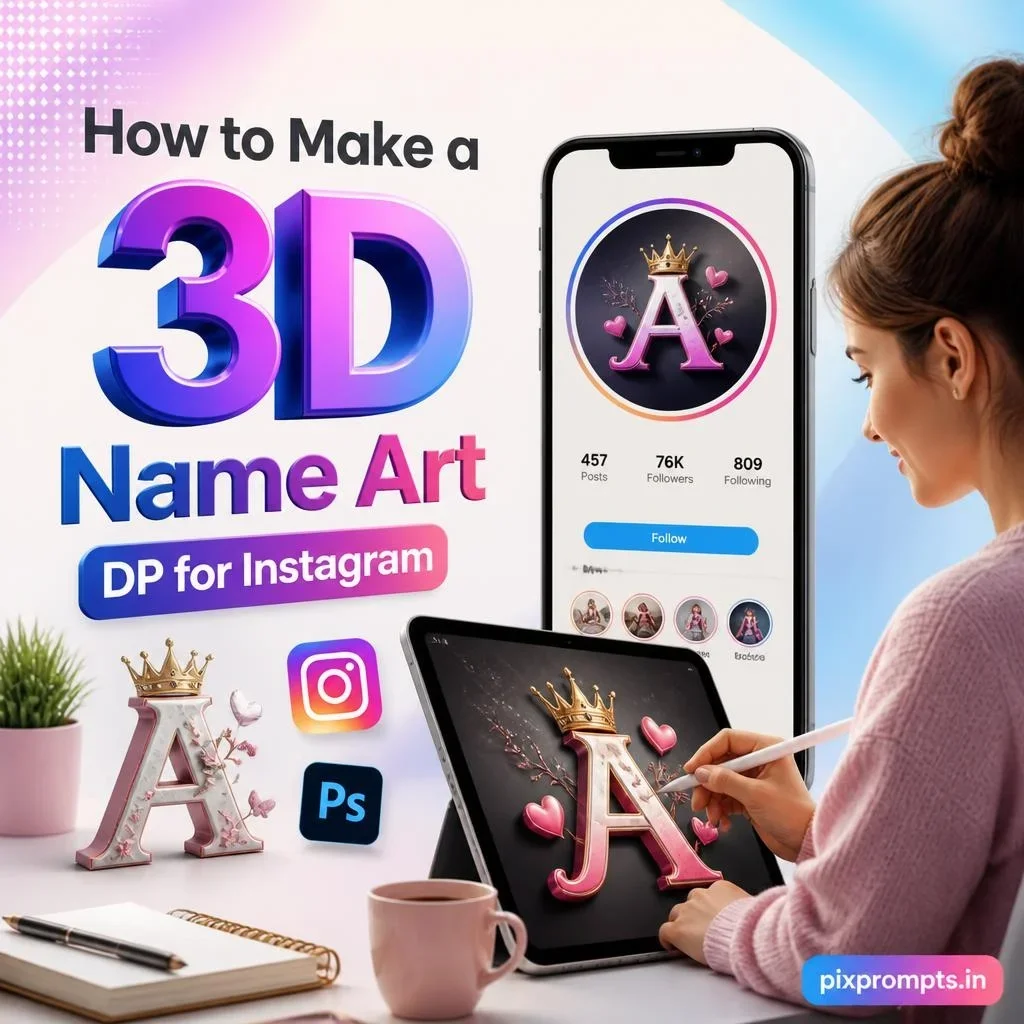
A 3D name DP is one of the simplest ways to make your Instagram profile look unique. Instead of a selfie, your profile picture shows your name in bold, glossy, three-dimensional letters, often with a character, objects or a themed background around it. These designs are popular with gamers, creators, small businesses and anyone who wants a recognisable brand look.
AI image tools can now create 3D name art in seconds, but getting the spelling, style and composition right needs a good prompt. Below you will find prompts for different themes, tips for clean text and steps to turn the result into a perfect circular DP.
Why Profile Pictures Need Special Care
Instagram shows your DP as a small circle. Anything near the corners gets cut off, and tiny details disappear. That means your name should be centred, short and large, with strong contrast against the background. A design that looks great on a big screen may look cluttered in a tiny circle.
Short names or initials work best. If your name is long, consider using a nickname, your first name only or a two-letter monogram.
Matching Your DP With Your Content
Your profile picture should hint at what your account is about. A food blogger might add a small spoon or chef hat beside the name, a travel creator could use mountains or a suitcase, and a fitness page might use bold metallic letters with a dumbbell. These small props help new visitors understand your niche in one glance.
Colours matter too. If your posts mostly use warm tones, a warm DP keeps the profile page looking unified. Try two or three colour versions and preview each on your profile grid before deciding.
3D Name Art Prompts for Your DP
Each prompt below is ready to copy. Replace the words in square brackets with your own details before you hit generate.
1. Glossy balloon letters
3D glossy balloon letters spelling "RAHUL" in metallic blue, centred on a soft pastel pink background, studio lighting with soft reflections, clean and playful, square composition, text spelled exactly as written.
2. Gaming neon style
Bold 3D neon text "ARJUN" glowing in electric purple and cyan, dark futuristic background with subtle grid lines, gaming logo style, centred, high contrast, spelled exactly ARJUN.
3. Character sitting on name
A cute 3D cartoon girl with curly hair and a yellow hoodie sitting casually on top of large white 3D letters spelling "PRIYA", soft blue background, Pixar-inspired style, bright friendly lighting.
4. Golden luxury name
Elegant 3D gold letters spelling "MEERA" with a polished metallic finish, black marble background, soft spotlight from above, luxury brand style, centred, clean edges.
5. Floral name art
3D letters spelling "ANANYA" made of fresh pink and white flowers and green leaves, soft cream background, natural daylight, delicate and elegant, centred composition.
6. Cricket themed name
3D white letters spelling "VIRAJ" with a cricket bat and ball beside them, stadium lights in the soft background, energetic sporty mood, centred, crisp text.
7. Business monogram
Minimal 3D monogram of the letters "SK" in brushed silver on a deep green background, soft shadows, premium professional look, centred, suitable for a business profile picture.
How to Create Your 3D Name DP
- Choose your text: Use a short name or initials. Fewer letters means fewer spelling errors and better visibility.
- Pick a theme: Decide whether you want cute, gaming, luxury, floral or professional, and choose a matching prompt.
- Write the exact spelling: Put your name in quotes and add “spelled exactly as written” to the prompt.
- Generate and check letters: Zoom in and confirm every letter is correct and clearly formed.
- Crop for a circle: Make sure the name sits in the centre with space around it so nothing gets cut off.
- Upload as your DP: Set the image as your Instagram profile picture and check how it looks on your profile page.
Which AI Tool Should You Use for These Prompts?
These prompts are written in plain descriptive English, so they work in most popular image tools, including Gemini, ChatGPT, Midjourney, Leonardo AI and Microsoft Designer. Each tool has its own visual taste, so the same prompt will look a little different in each one. That is normal and can even be useful when you want variety.
If a tool supports extra settings such as aspect ratio, style strength or a negative prompt box, use them alongside the prompt rather than stuffing everything into the main text. Short, clear prompts plus the right settings usually beat very long prompts.
Pro Tips for Better Results
- Use capital letters for your name in the prompt; many tools render uppercase text more clearly.
- Contrasting colours, such as gold on black or white on blue, read better in small sizes.
- Ask for a “square composition, centred” so the design fits Instagram’s circle crop.
- If the spelling is wrong, regenerate or fix the letters in a simple editor rather than accepting errors.
- Use the same style for your highlights covers to create a matching brand look.
Common Mistakes to Avoid
Using long names
Long names shrink into unreadable text in the small DP circle.
Busy backgrounds
Detailed backgrounds compete with your name. Keep them soft or plain.
Not checking spelling
AI tools still sometimes swap or repeat letters. Always zoom in before using.
Placing text near edges
The circular crop will cut it off. Keep everything in the central area.
Frequently Asked Questions
Which AI tool is best for 3D text?
Text rendering has improved in many tools. Try ChatGPT, Gemini or Ideogram-style tools and compare spelling accuracy.
Can I add my photo with my name?
Yes. Upload your photo and ask the AI to create a 3D cartoon version of you sitting on your name.
Can I make Hindi name art?
You can try, but Hindi text rendering is less reliable. Adding Hindi text later with an editor is safer.
What size should a DP be?
A square image of at least 320 by 320 pixels works, but a larger square gives a sharper result.
Quick Checklist
Before you finish, run through this short checklist:
- Choose your text
- Pick a theme
- Write the exact spelling
- Generate and check letters
- Crop for a circle
- Upload as your DP
Conclusion
A 3D name DP is a quick way to give your profile personality and a brand-like feel. Keep the name short, put it in quotes, choose a clear theme and check the spelling carefully. With the prompts above, you can design a DP that people remember every time they see your stories or comments.
